


More discount
SONOFF S61sTPF Smart WiFi Plug 16A 3840W Matter Compatible Energy Consumption Overload Protection Voice with Alexa Google Home
+
Earn loyalty points with this purchase
RewardsDescription
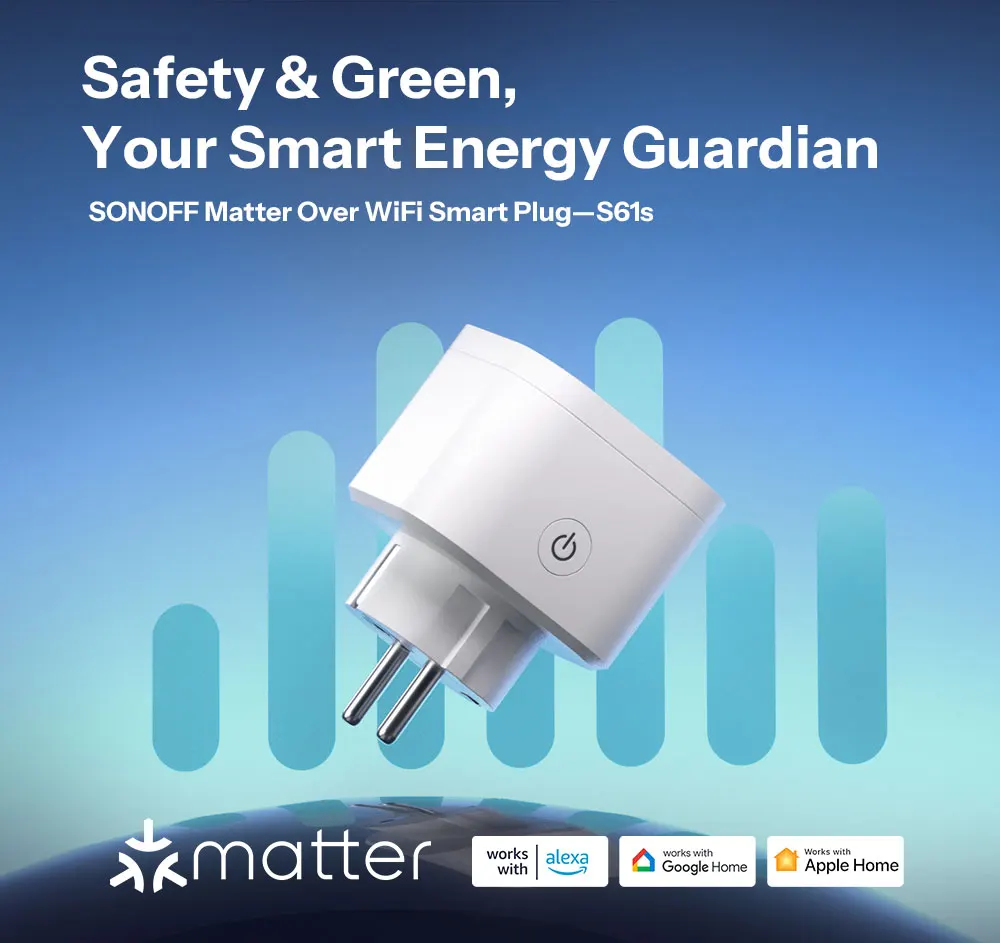
SONOFF S61sTPF Smart WiFi Plug 16A 3840W Matter Compatible Energy Consumption Overload Protection Voice with Alexa Google Home
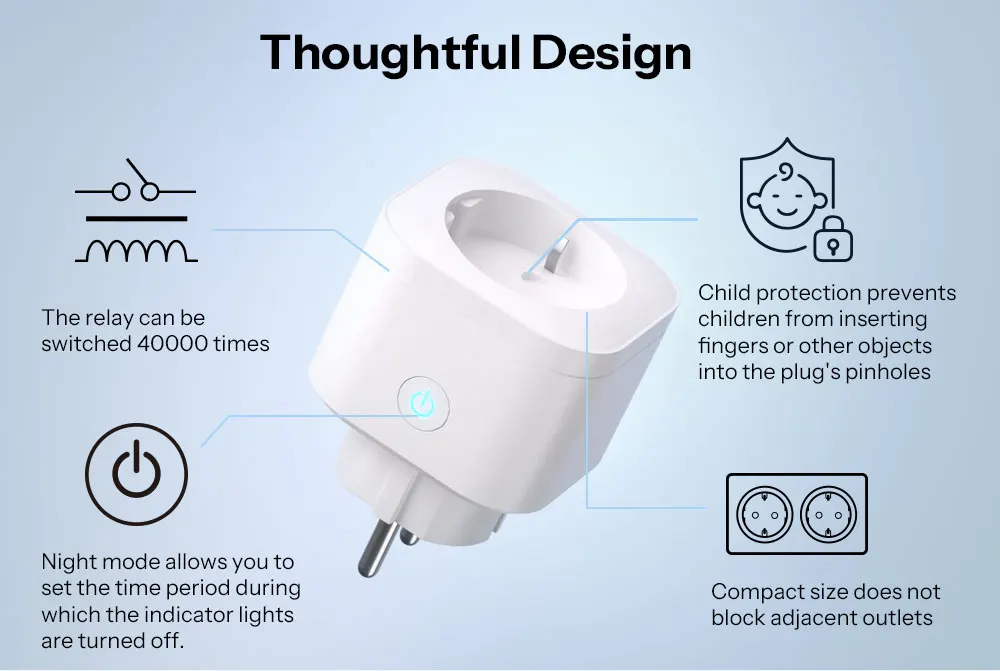
Thoughtful Design
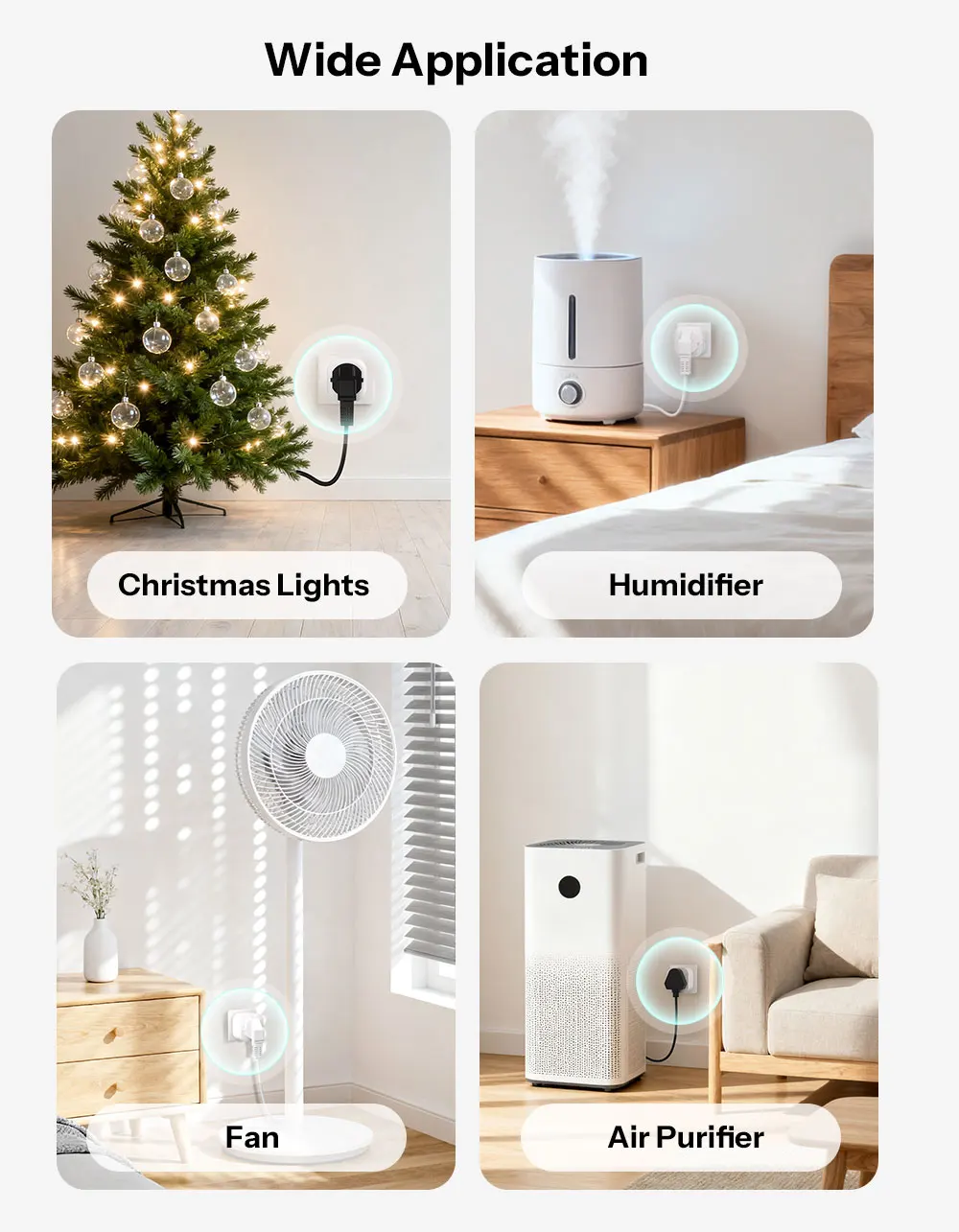
Wide Application
Use it to turn on and off compatible devices that have a mechanical power switch.
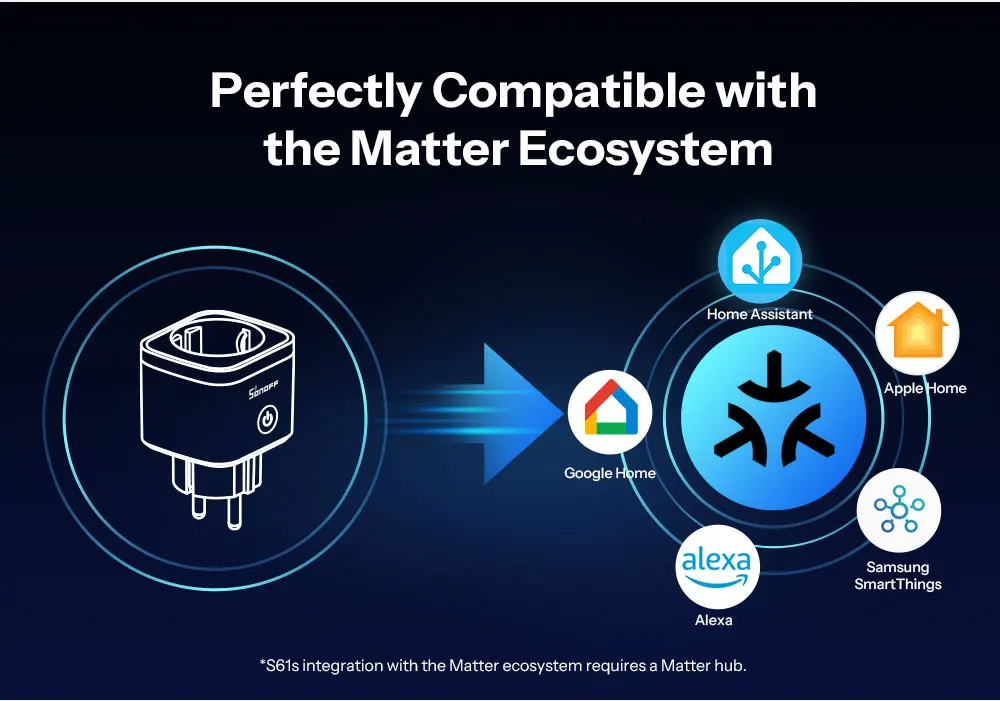
Perfectly Compatible with the Matter Ecosystem
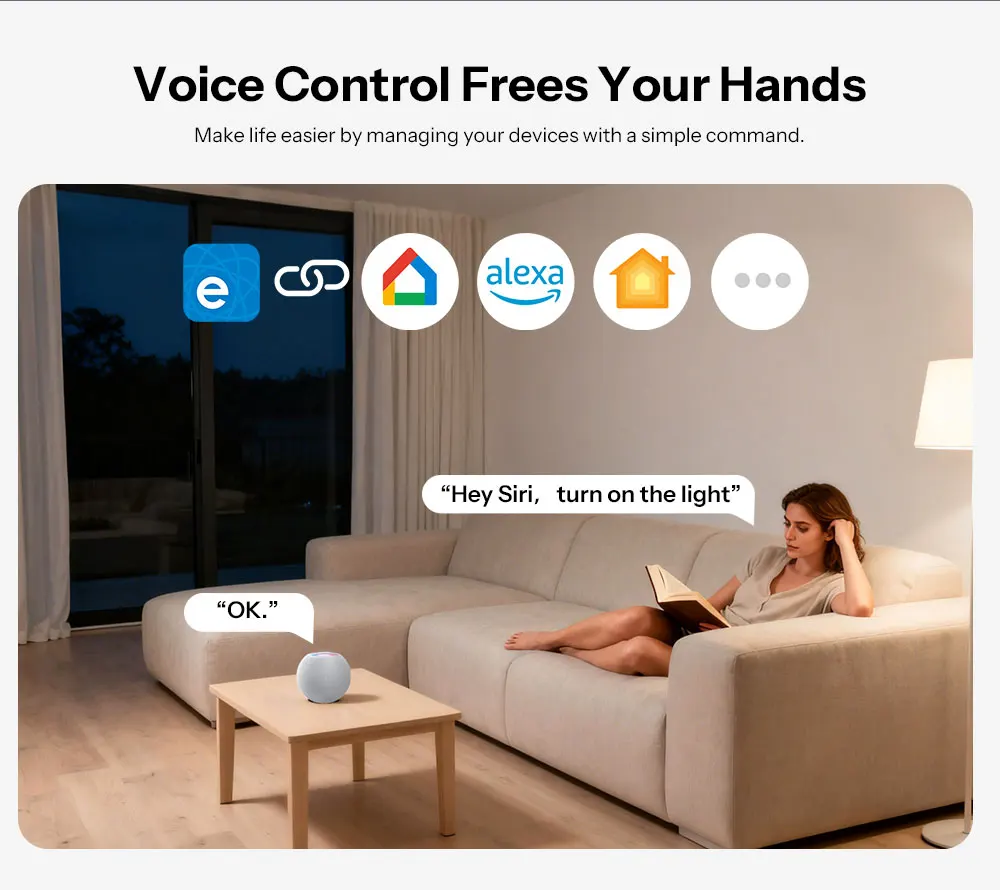
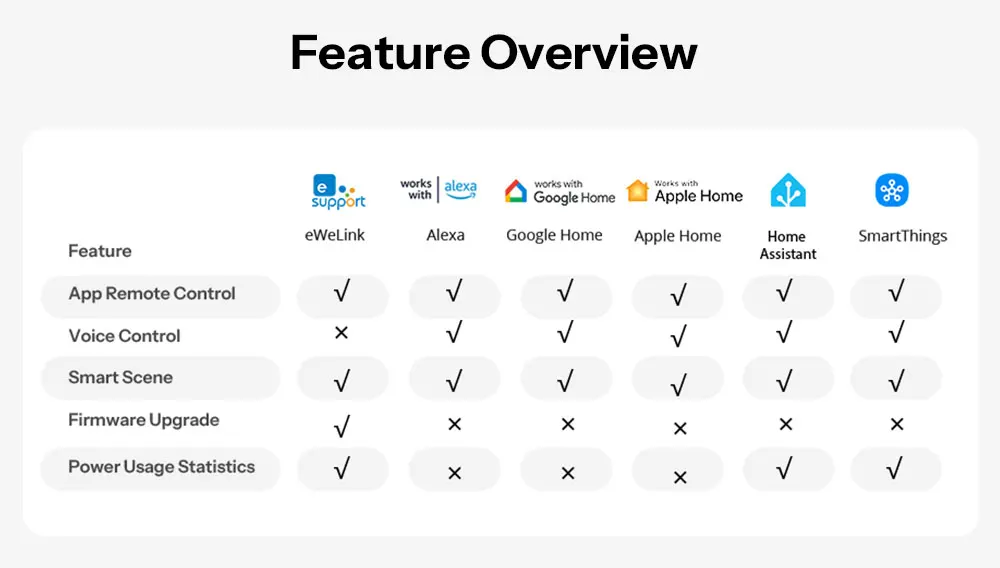
With a wider working coverage! S61s supports joining the Matter ecosystem, you can integrate it into your usual apps, such as Apple Home, Google Home and Alexa.
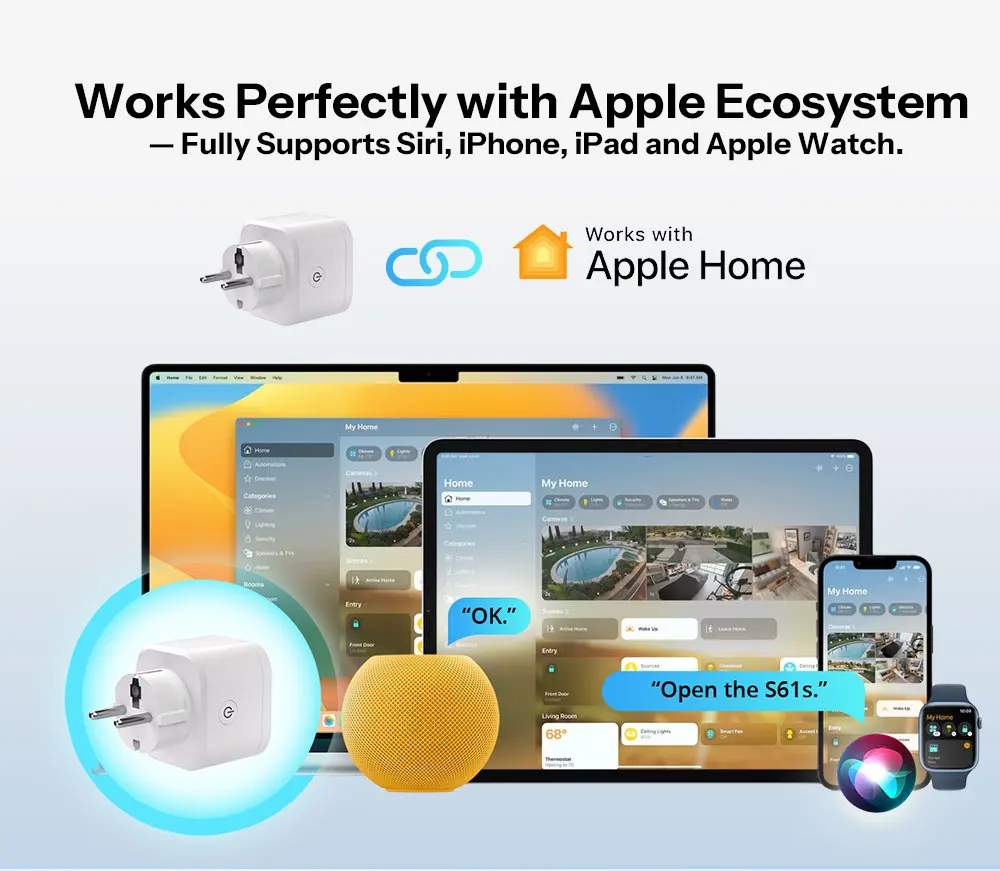
Works Perfectly with Apple Ecosystem
- Fully Supports Siri, iPhone, iPad and Apple Watch.
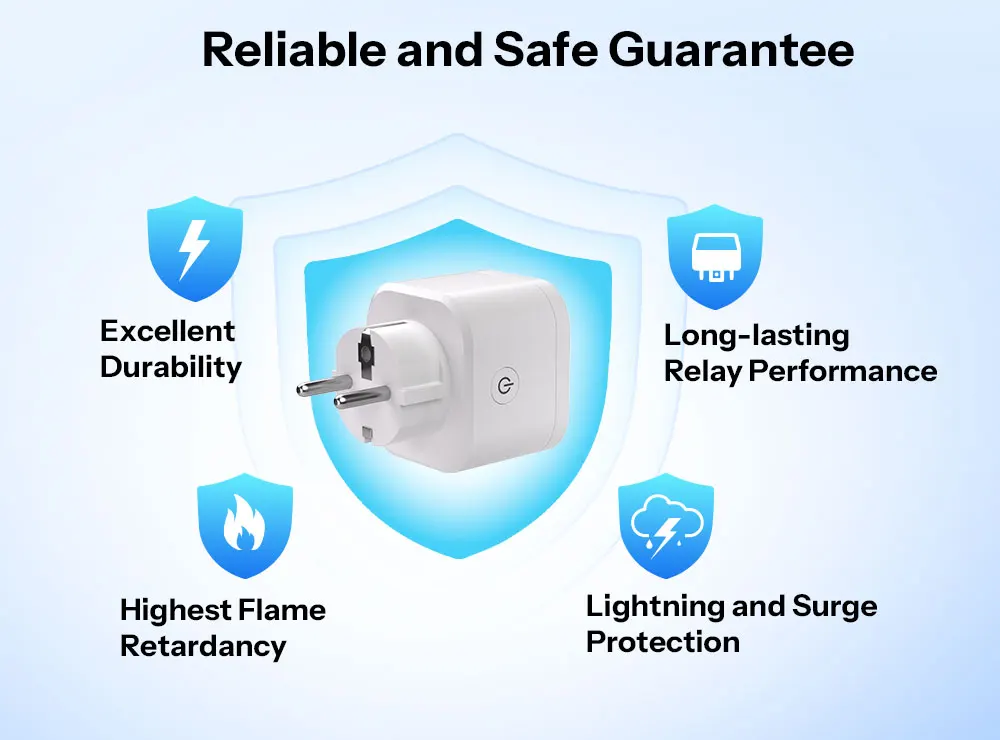
Reliable and Safe Guarantee
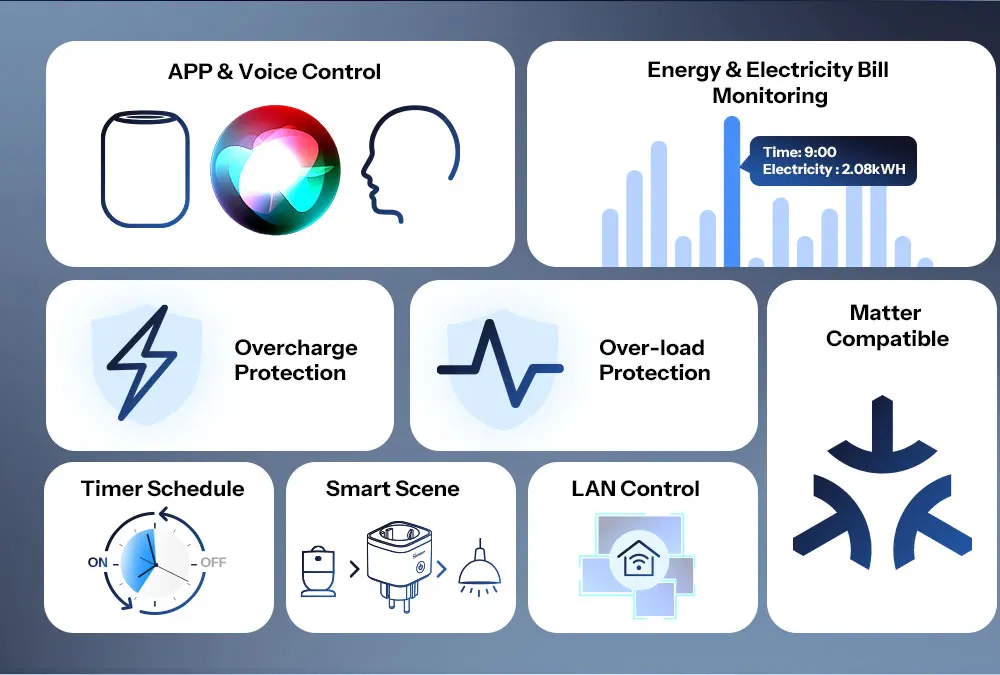
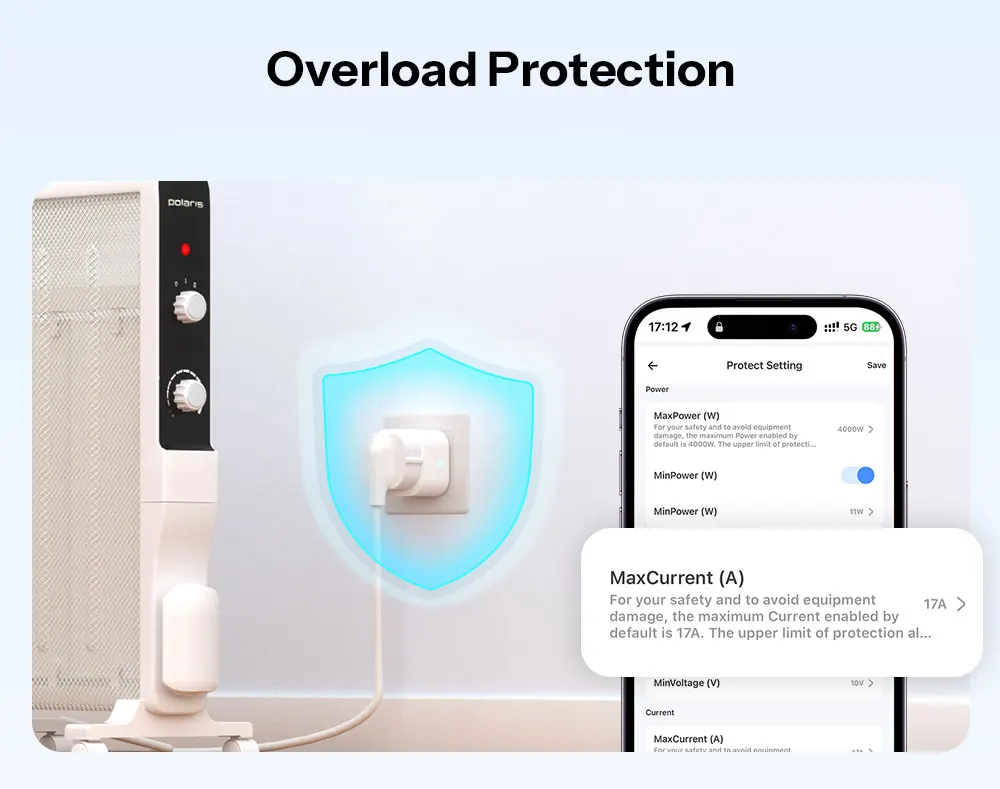
Overload Protection
Thresholds for curent (up to 16A), voltage,and power can all be set.Make your device automatically power of to protectit against overload once the working current reaches threshold.
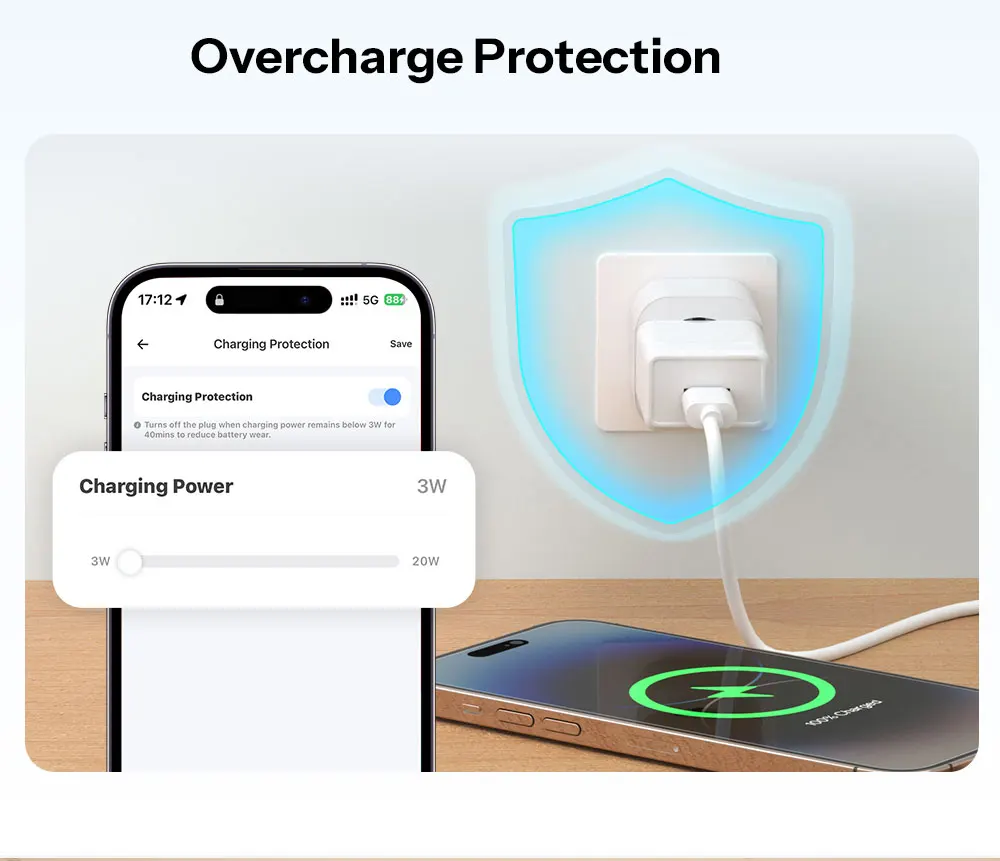
Overcharge Protection
Overcharge protection safeguards your battery from damage due to frequent charging and discharging.
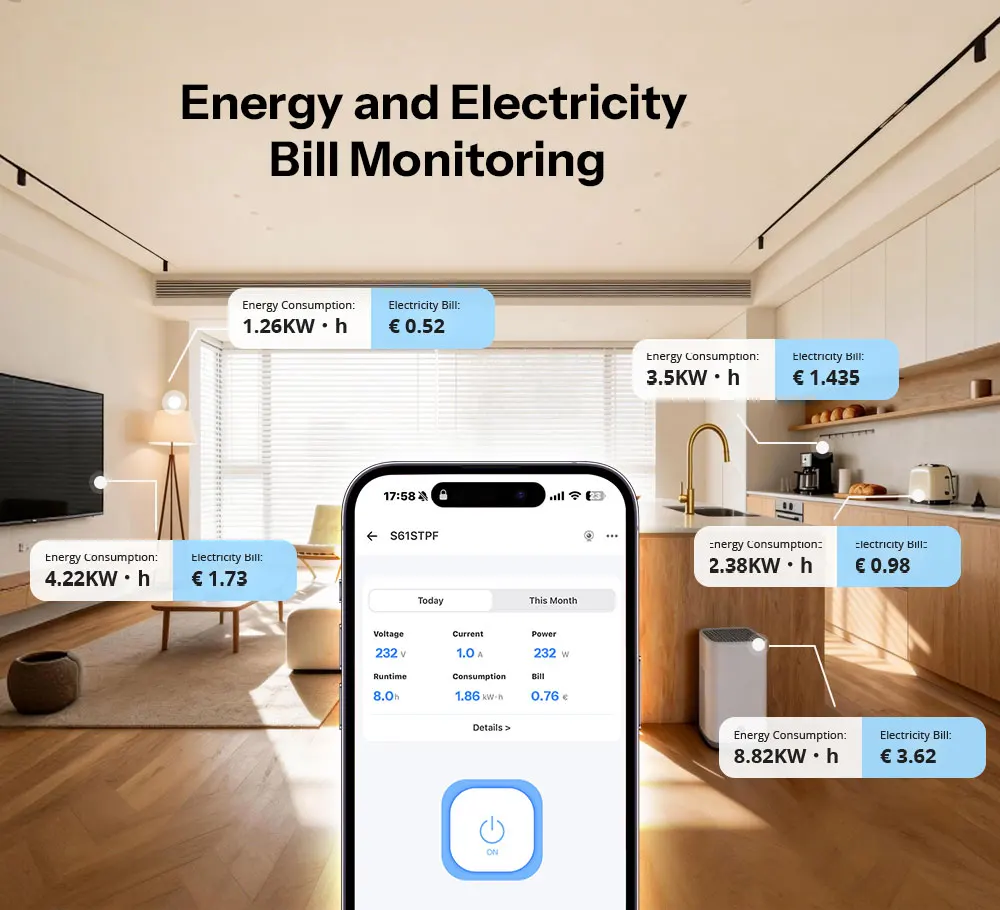
Energy and Electricity Bill Monitoring
You can save on electricity costs by reviewing your daily, monthly, and semi-annual electricity usage and bills (Supports setting electricity rate per unit for different time periods)
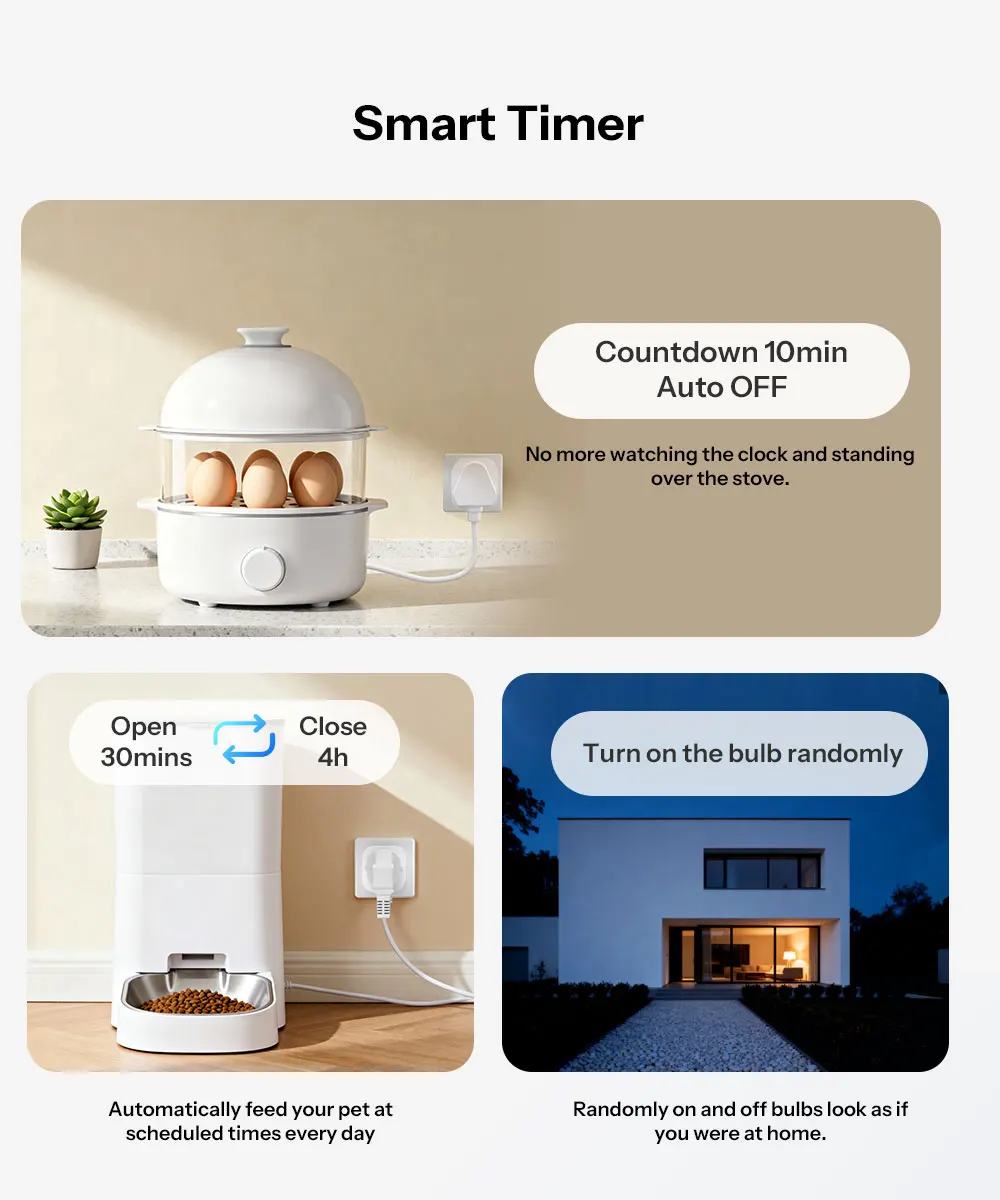
Smart Timer
The invisible butler allows home appliances to understand time, saving you worry, energy, and ensuring safety.
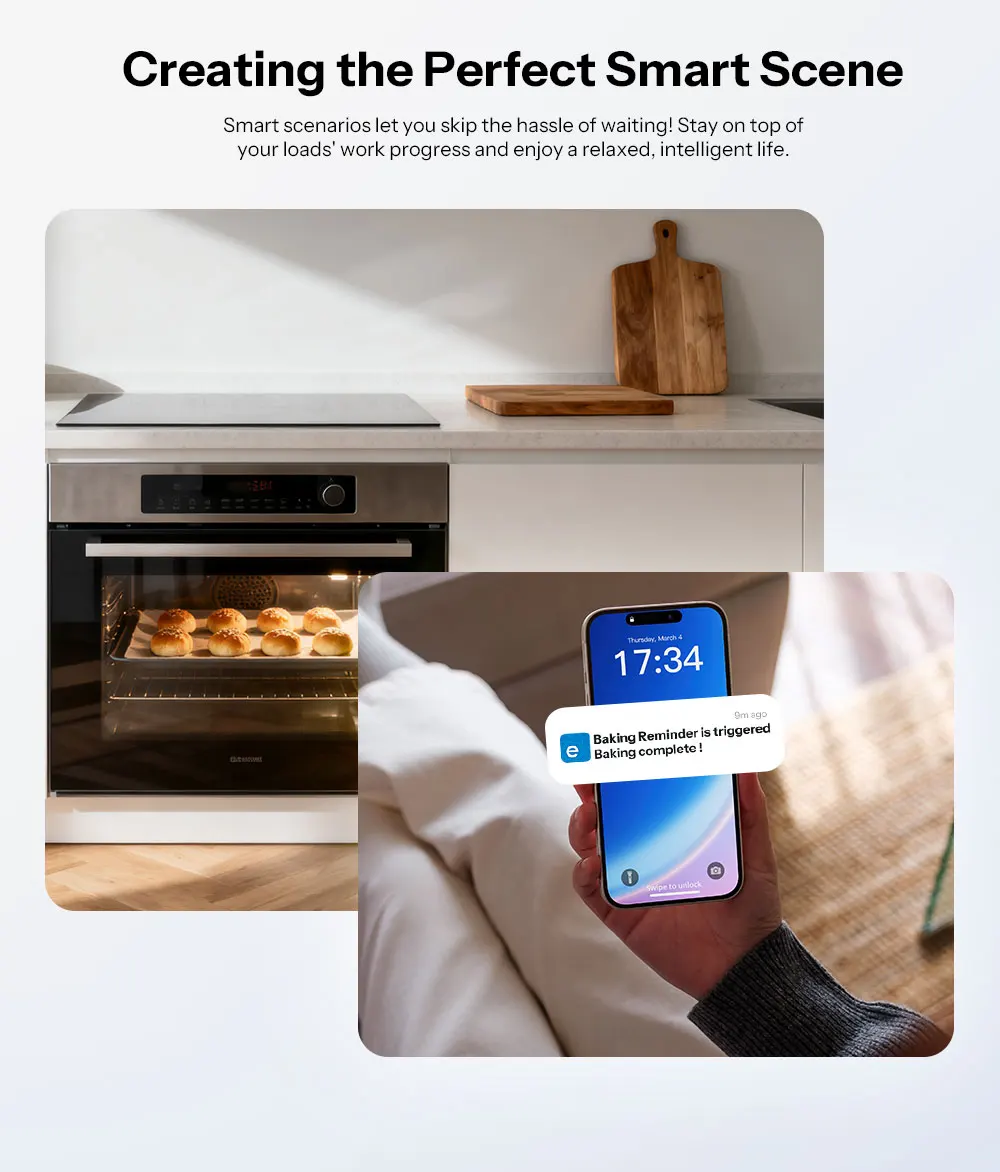
Creating the Perfect Smart Scene
Smart scenarios let you skip the hassle of waiting! Stay on top of your loads work progress and enjoy a relaxed, intelligent life.
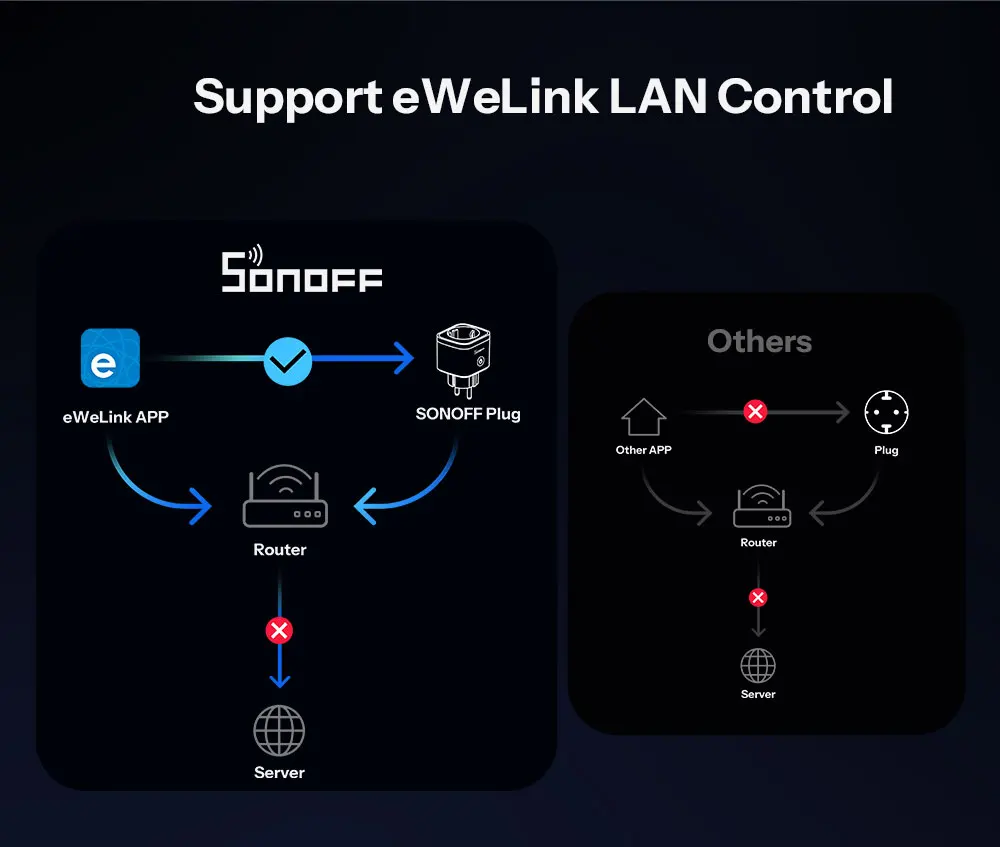
Support eWeLink LAN Control
Control the appliances connected to SONOFF plug without a server connection.
Voice Control Frees Your Hands
Make life easier by managing your devices with a simple command.
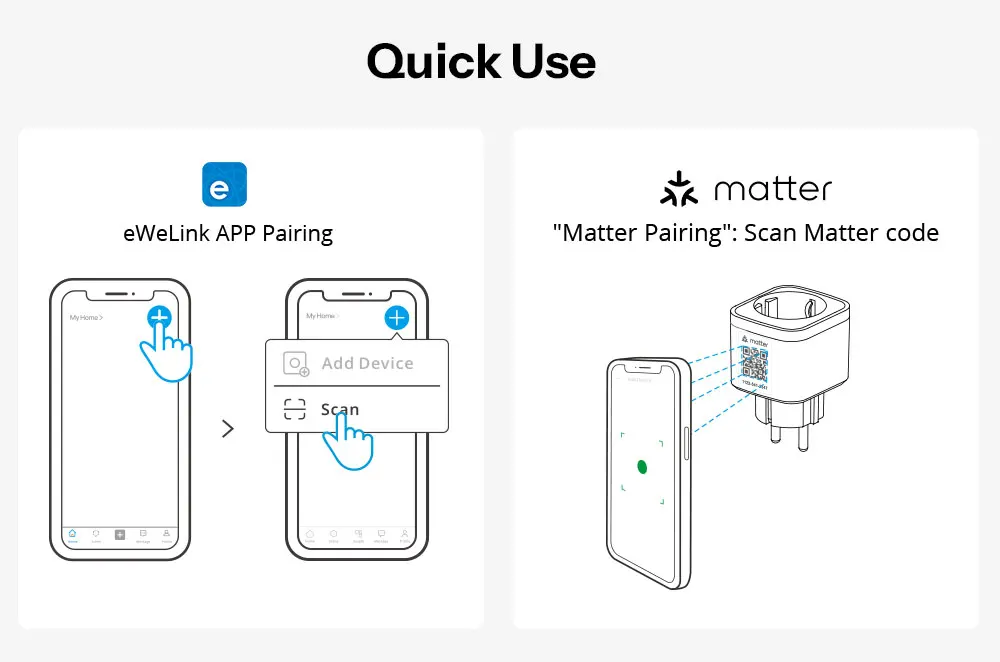
Quick Use
Two pairing methods are available for you to choose from, the first is to add a device via the eWeLink APP. The second is to add a device via a Matter-compatible app.

More discount


You may also like


Add your question
Your question about this product: