


More discount
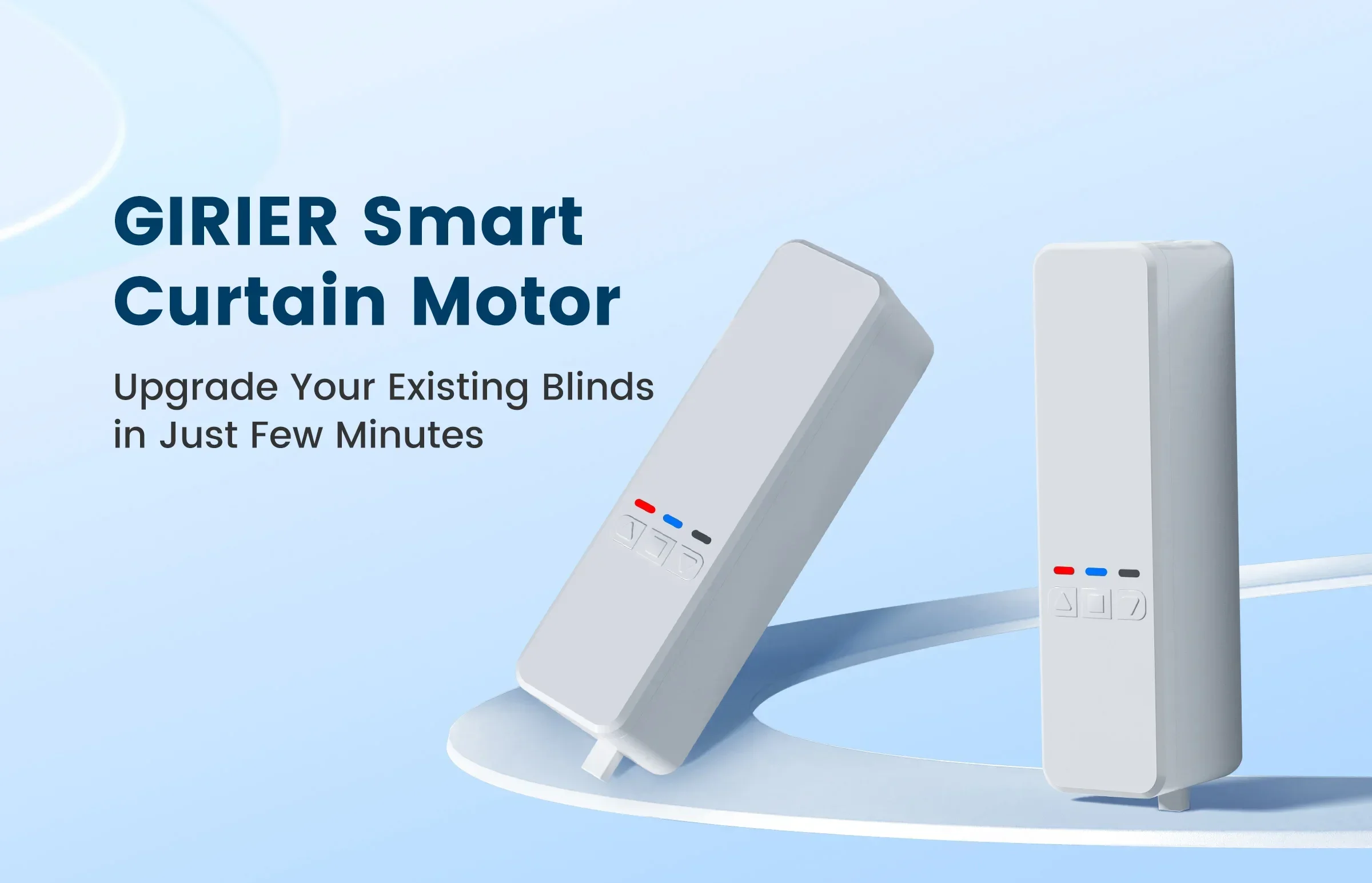
GIRIER Tuya Smart Curtain Motor WiFi RF433 Chain Roller Blinds Motor for Shade Shutter Work with Hey Google Alexa Smart Life APP
+
Earn loyalty points with this purchase
RewardsDescription
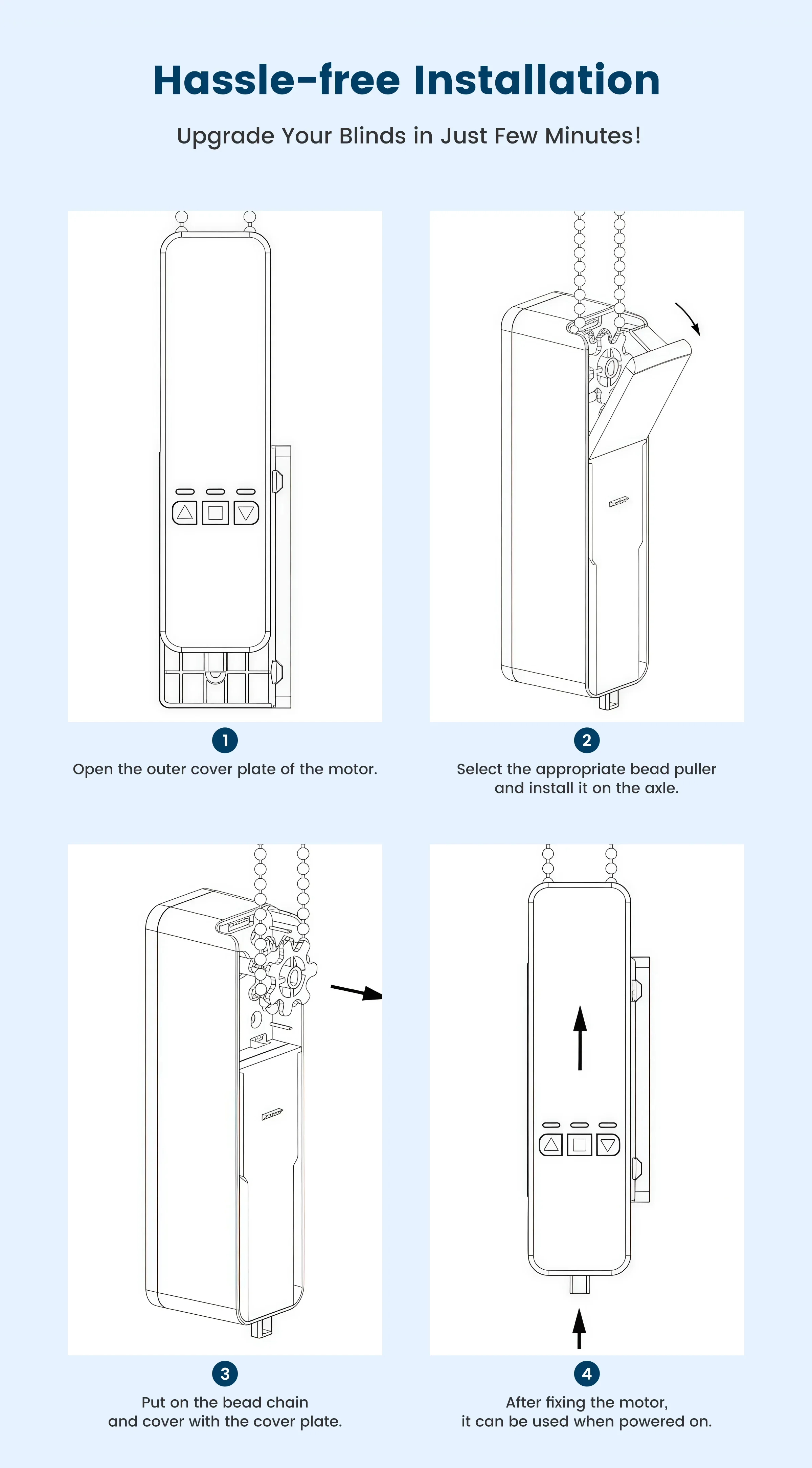
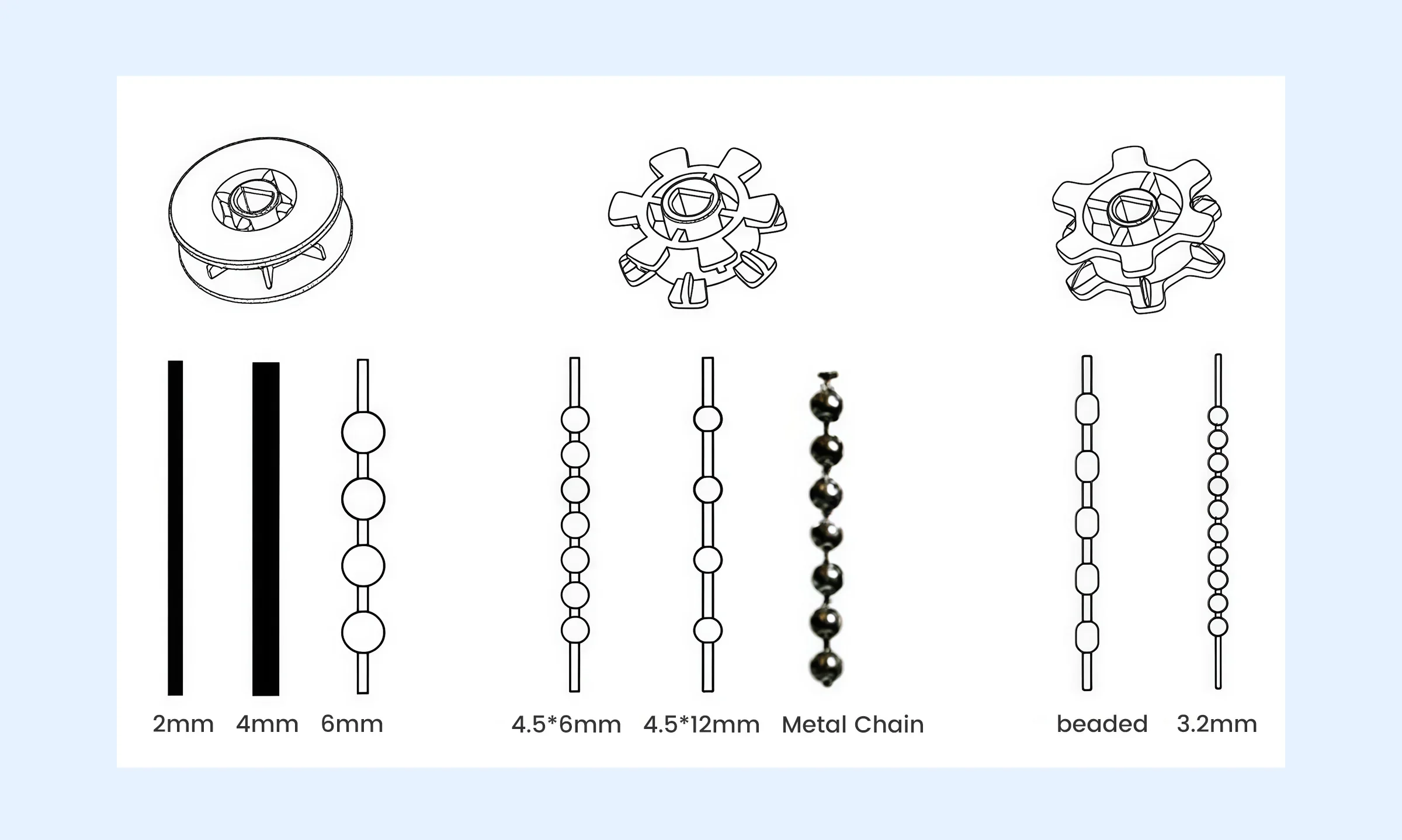
Tool-free Installation
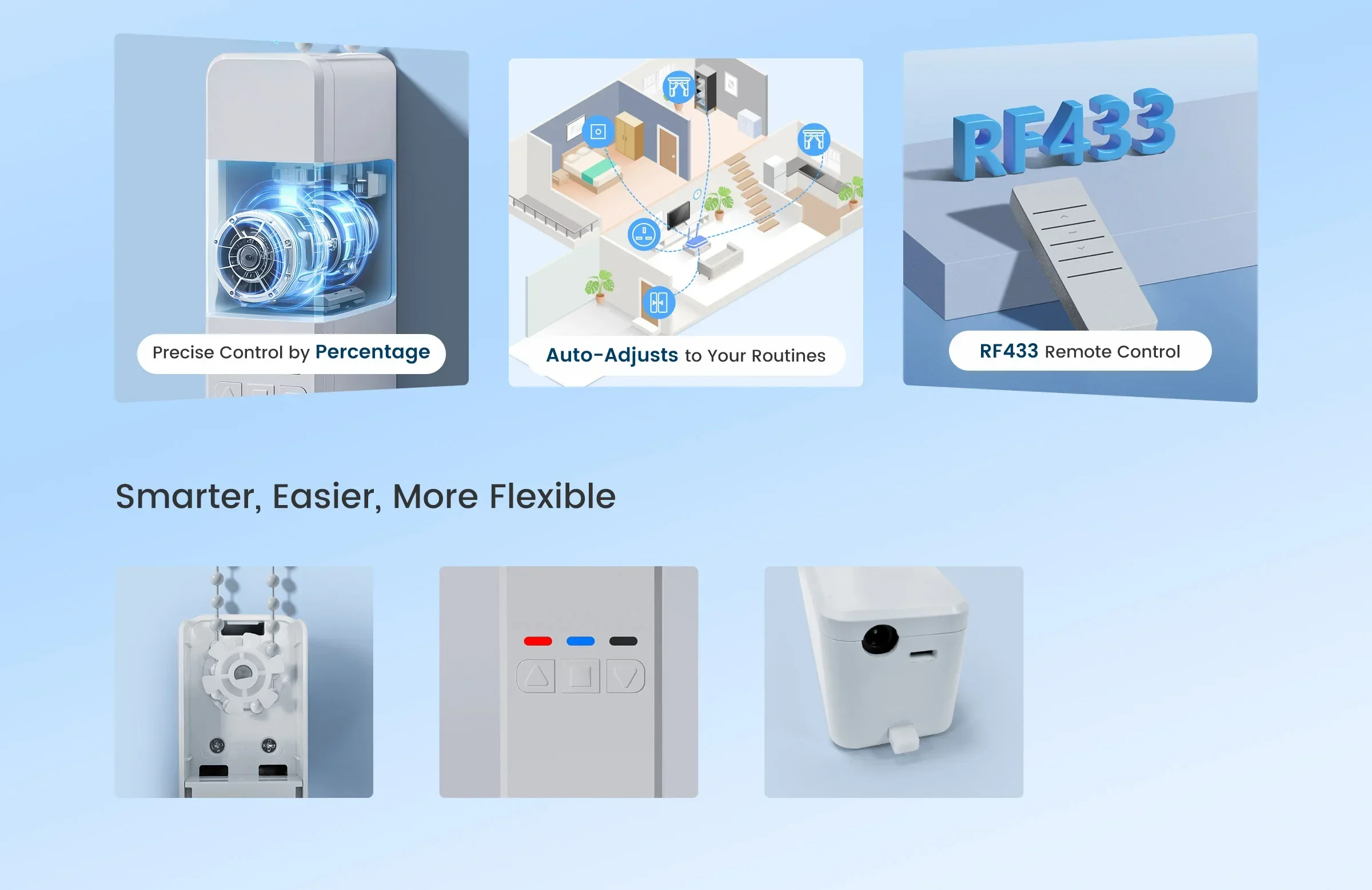
Seamlessly install using integrated gears and adhesive tape in just a few straightforward steps. Transform your existing roller or shutter blinds in minutes with minimal effort.
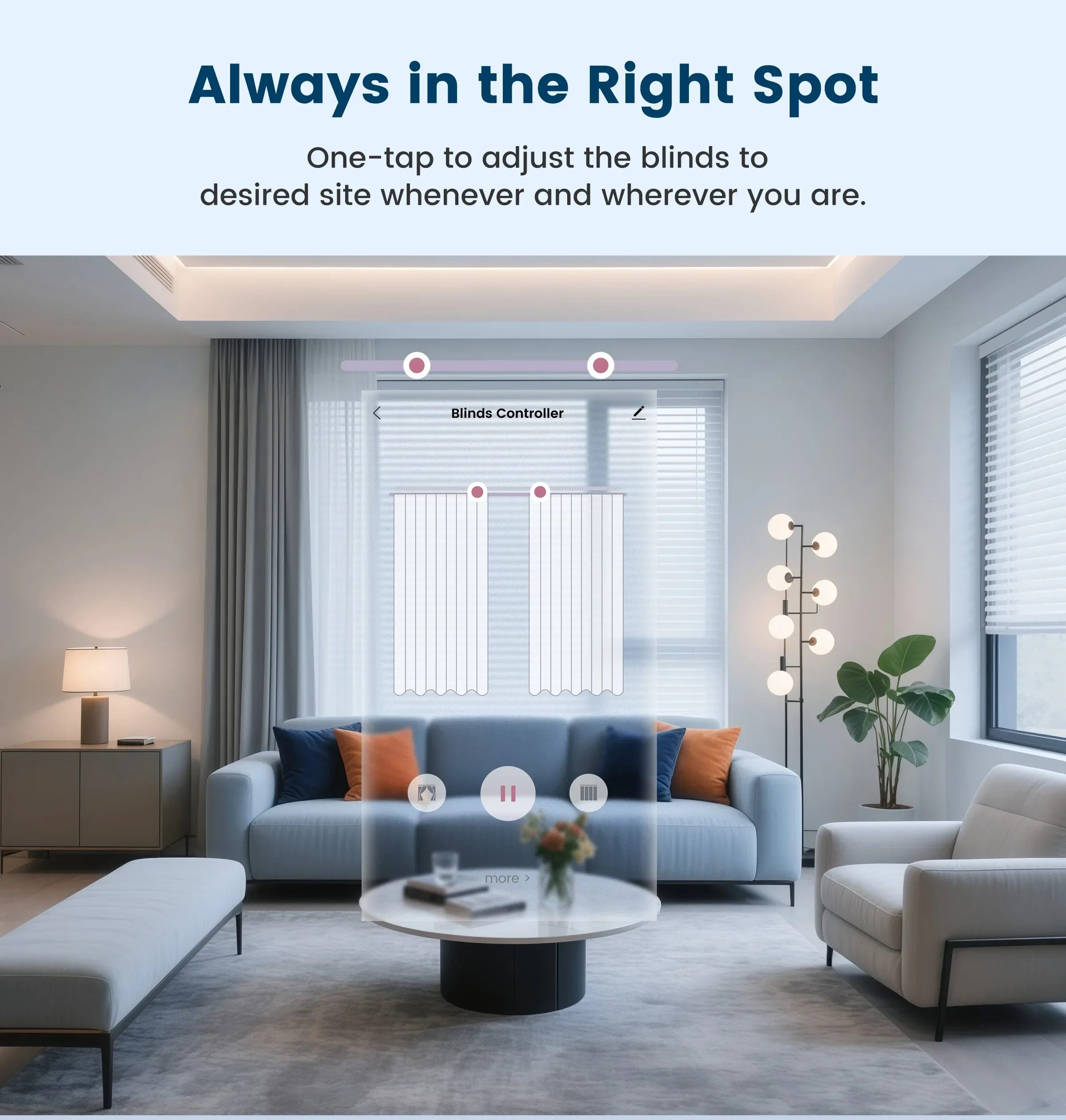
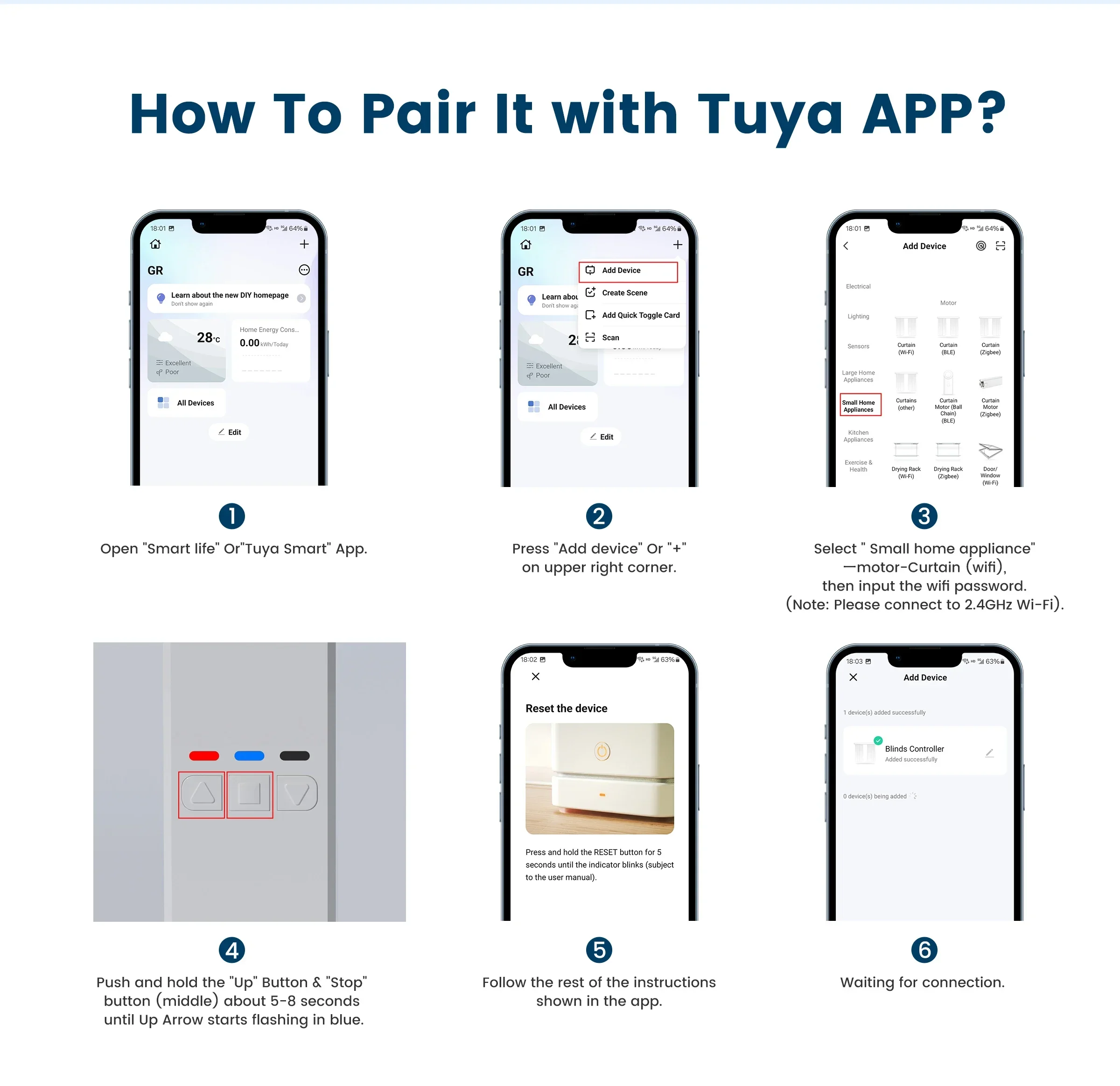
Control from Anywhere
Enjoy unparalleled convenience by managing your blinds motor via the TuyaSmart or Smart Life app. Control your curtains from anywhere in the world with ease and flexibility, all through your smartphone.
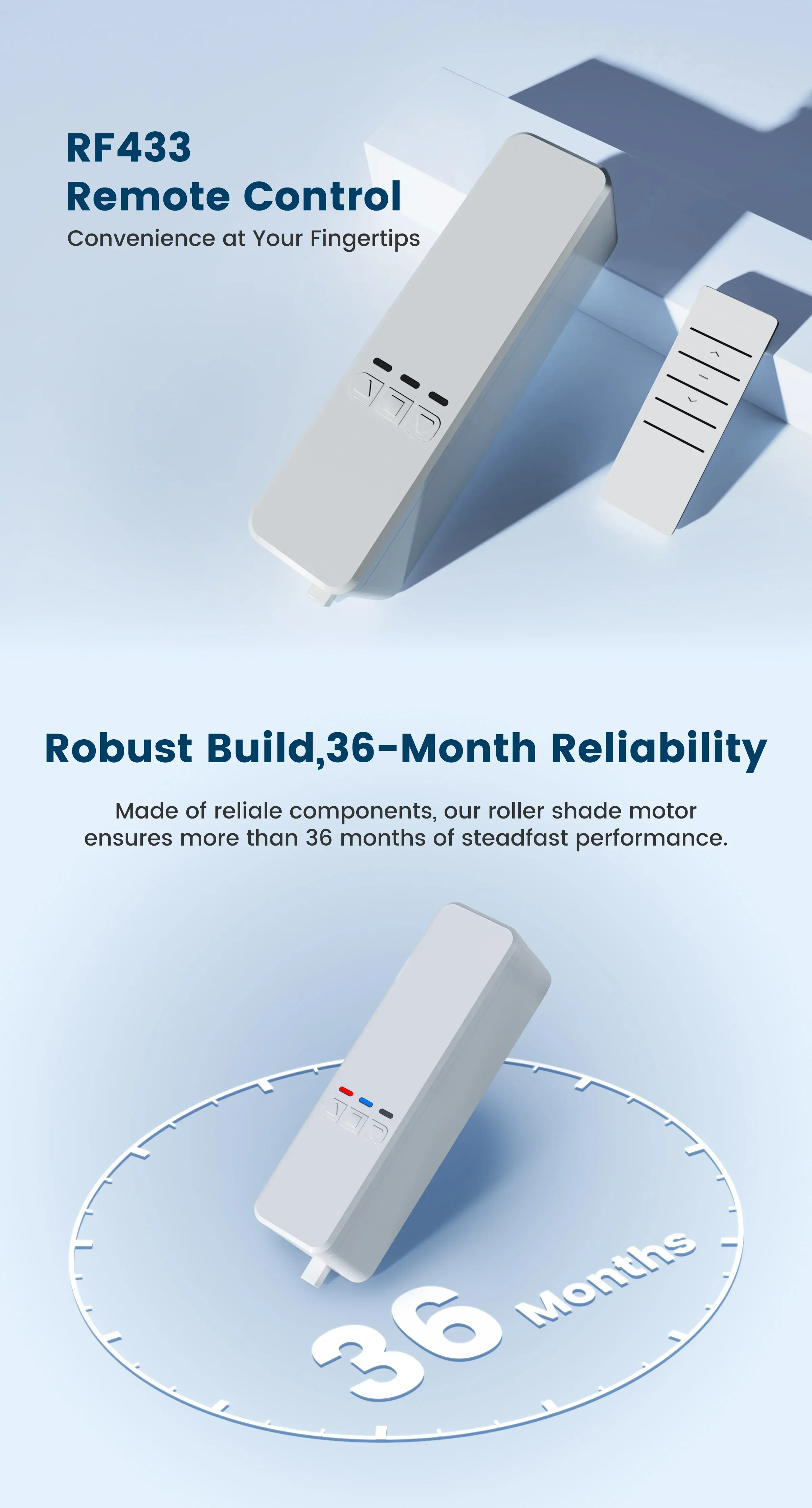
Seamless RF Remote Operation
Experience unparalleled convenience by controlling your curtain motor through the TuyaSmart or Smart Life app. Manage your curtains smoothly and flexibly from any corner of the world, all at your fingertips.
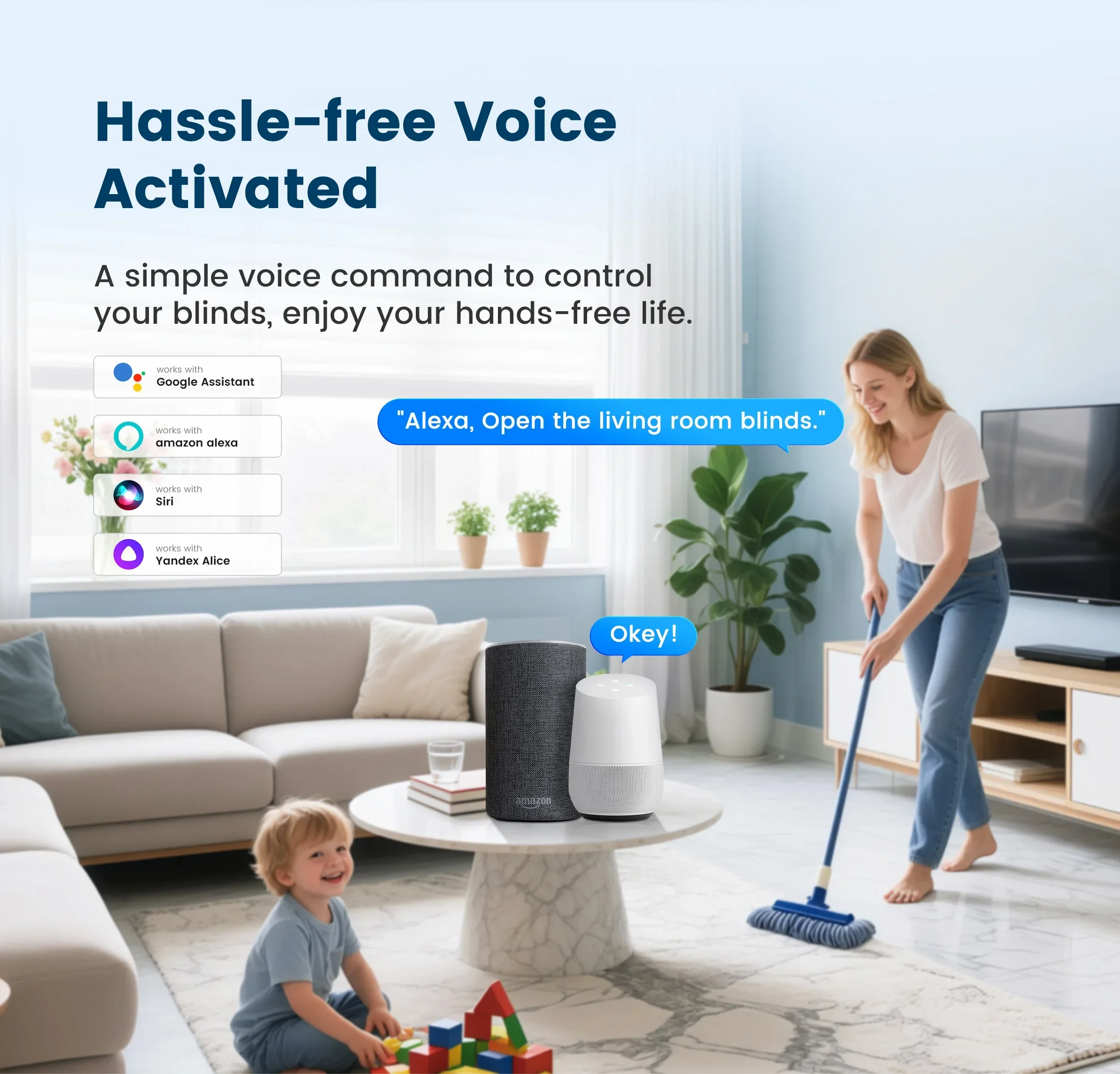
Hassle-free Voice Activation
Connect this roller shade driver to Alexa, Siri, Yandex Alice or Google Assistant for a hands-free experience. Simply issue a voice command, and let your automatic curtain system respond promptly to your needs.
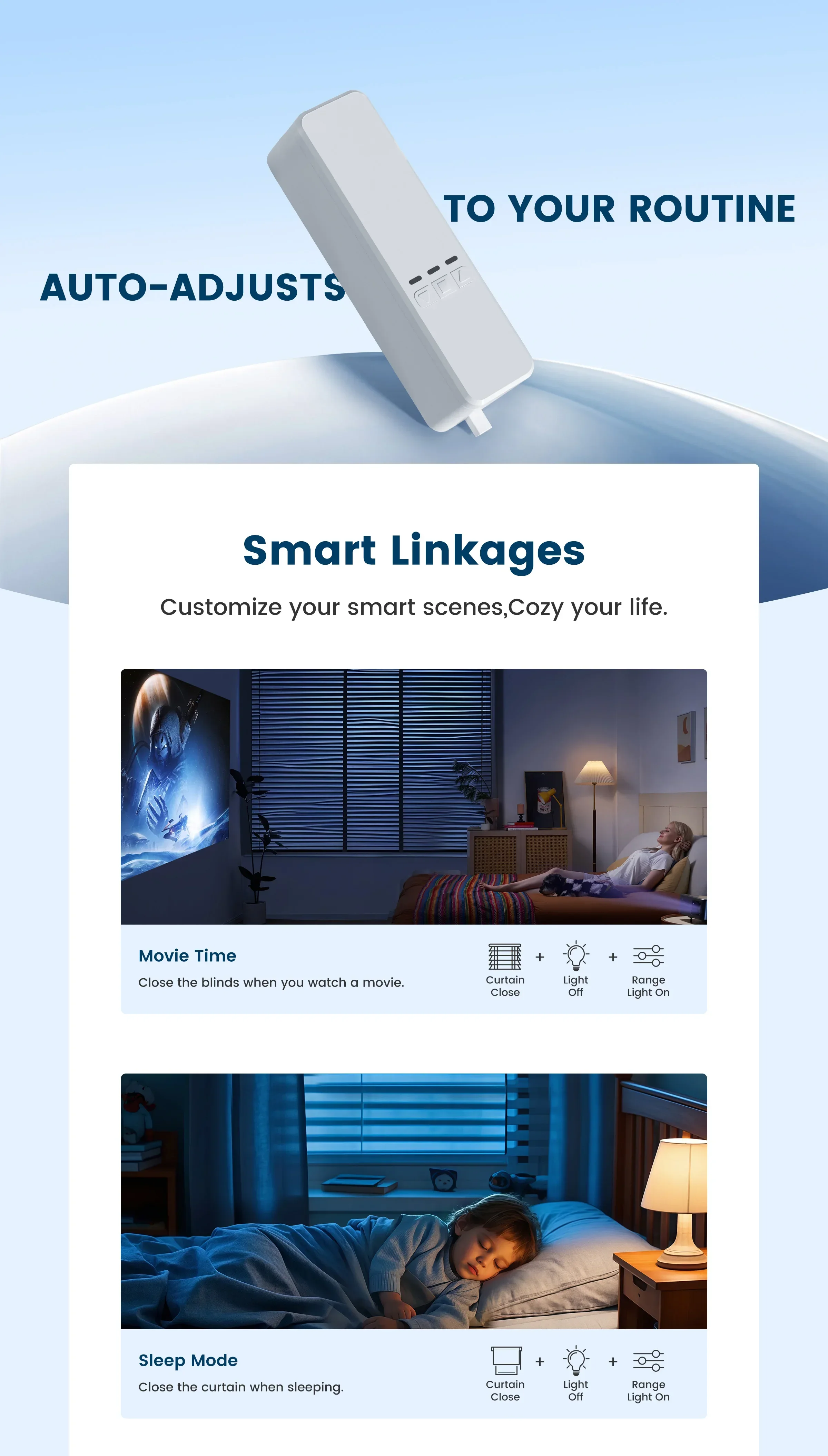
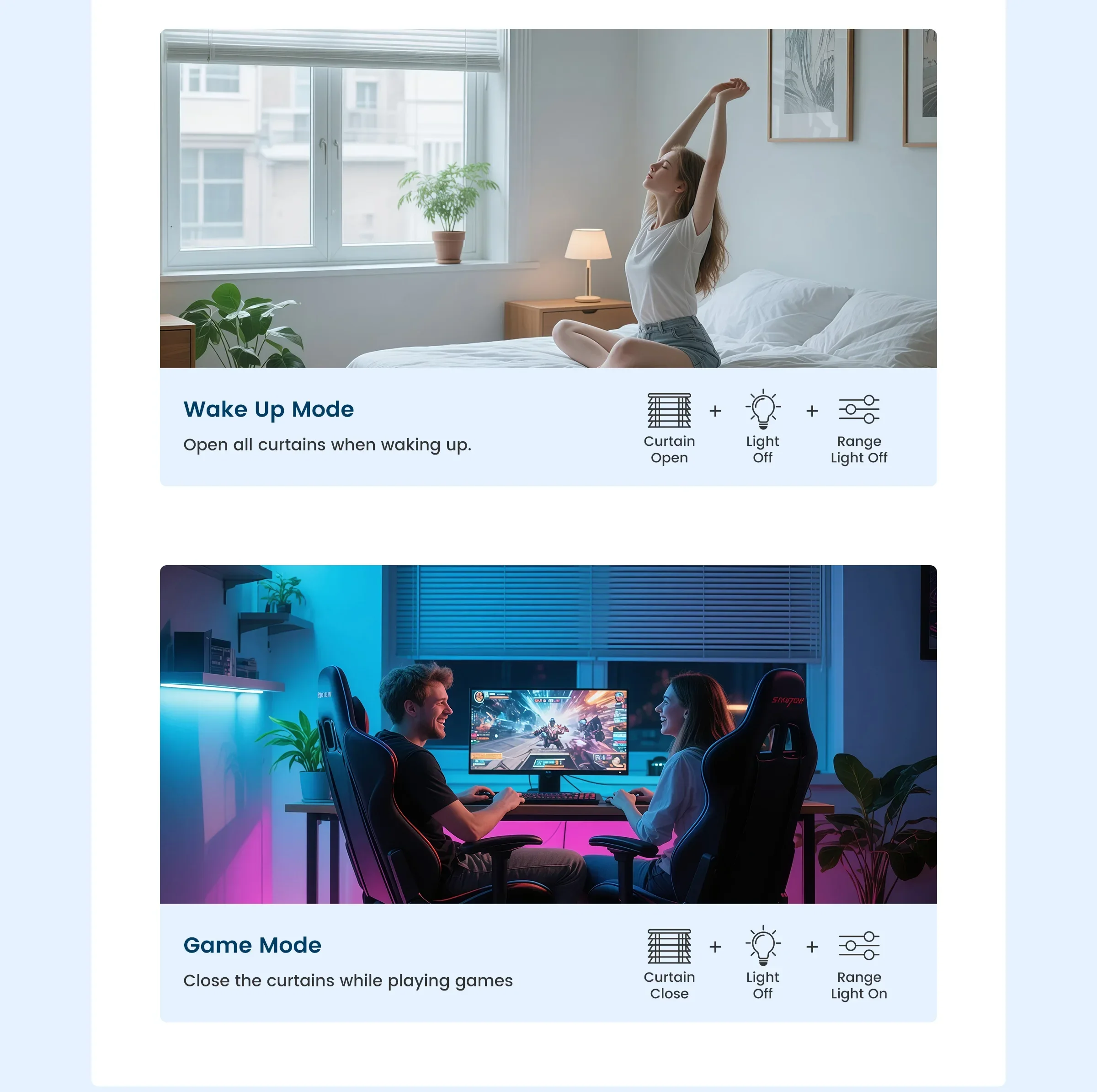
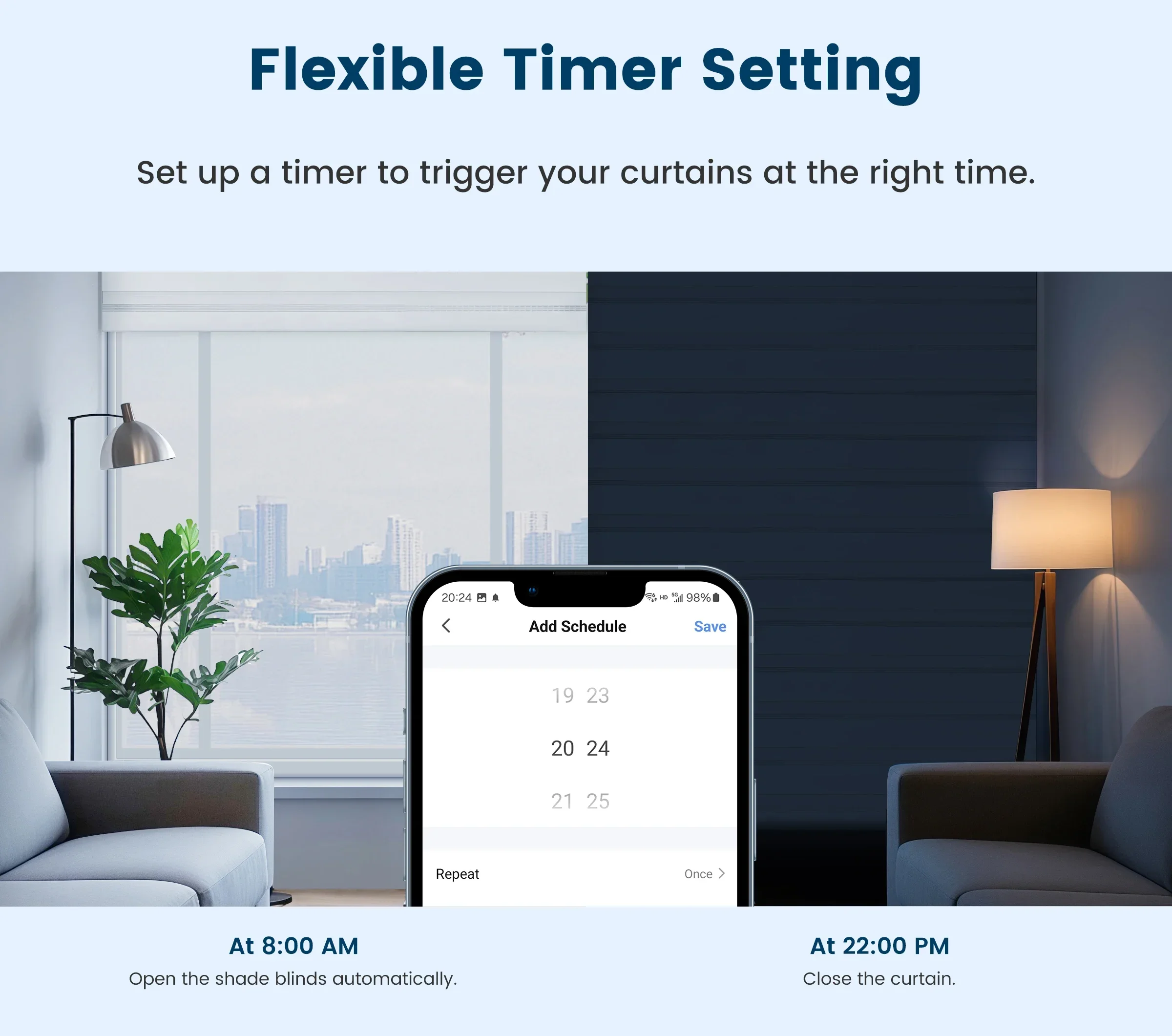
Cozy and Attentive Smart Scenes
Craft personalized smart scenes that not only activate or deactivate your home appliances but also evoke a sense of comfort and belonging. Trigger these scenes based on your departure or arrival, or in response to changes in temperature, humidity, and other environmental factors, creating a home with GIRIER that truly understands and cares for you.
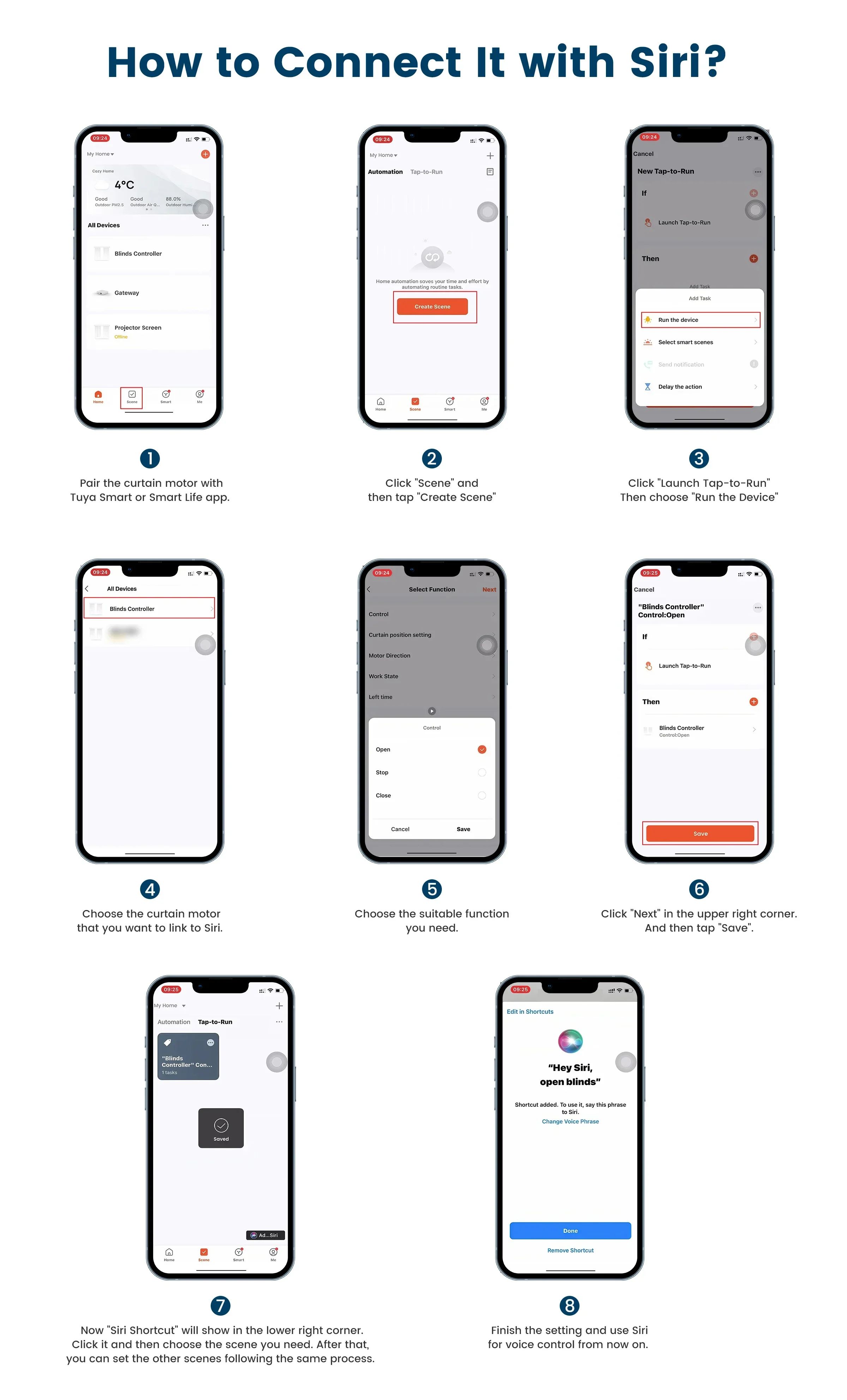
How To Connect It with Siri?
Step 1
Pair the curtain motor with Tuya Smart or Smart Life app.Step 2
Click "Scene" and then tap "Create Scene"Step 3
Click "Launch Tap-to-Run". Then choose "Run the Device"Step 4
Choose the curtain motor that you want to link to Siri.Step 5
Choose the suitable function you need.Step 6
Click "Next" in the upper right corner. And then tap "Save"Step 7
Now "Siri Shortcut" will show in the lower right corner. Click it and then choose the scene you need. After that, you can set the other scenes following the same process.Step 8
Finish the setting and use Siri for voice control from now on.
Warm Tips:
Please note that the voice control assistant needs to be paired with the TuyaSmart or Smart Life APP first, and then linked to the corresponding voice assistant through the APP.



More discount


Add your question
Your question about this product: