


More discount
TNCE Tuya US Switch WIFI or Zigbee need/No Neutral Wire Require 1/2/3/4 Gang Smart Touch controller Voice With Alexa Google Home
SAR 119.00
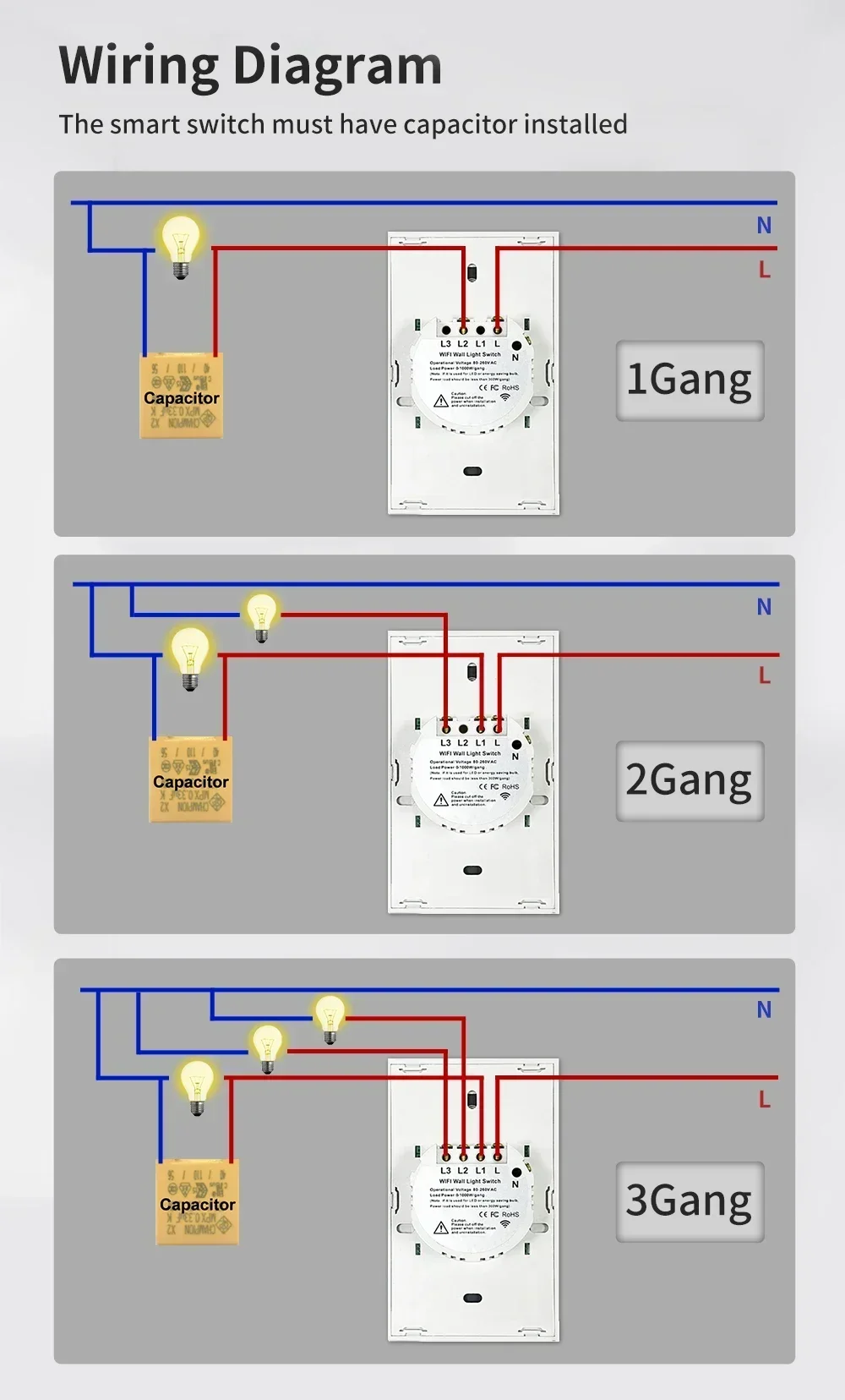
Note:1 Gang connects L2, with the capacitor connected to both ends of the L2 bulb.2 Gang connects L1 and L3, with the capacitor connected to both ends of the L1 bulb.3 Gang connects L1, L2, and L3, with the capacitor connected to both ends of the L1
+
Earn loyalty points with this purchase
RewardsDescription
Note:
1 Gang connects L2, with the capacitor connected to both ends of the L2 bulb.
2 Gang connects L1 and L3, with the capacitor connected to both ends of the L1 bulb.
3 Gang connects L1, L2, and L3, with the capacitor connected to both ends of the L1 bulb.
Q&A:
1.Q:If the light keeps blinking after the panel is wired, what’s going on?
A:If there is no neutral wire and the capacitor is not connected, the light bulb will blink.If you have a neutral wire at home, but the bulb is still flashing, you can also connect capacitors at both ends of the bulb, so that the bulb will work normally.
2.Q:Can the panel be used with and without a neutral wire?
A:All can be used, with neutral wire normal wiring, no neutral wire need to be connected to the capacitor
3.Q:What if the panel touch switch won’t open, but you can use your cell phone to control it?
A:Power off, before Open the glass, first to see if the shell is deformed when locking the shell, then open the shell, loose the screws and then cover the glass, and then power on, touch can be used.
4.Q: Whether to support multi-control association?
A:Yes. You can associate two or more switches to a light bulb in the settings.
5.Q:What should I pay attention to when buying the Zigbee version of the switch?
A: First, when purchasing, you need to look for the option with the word “zigbee” or the second option with the word “zigbee Version” . Second,If you buy the zigbee version of the switch, you need a tuya zigbee gateway to make the switch work properly. This gateway needs to be purchased extra.
Two wiring modes
Single-phase: The switch is not connected to the neutral wire, and the two ends of the light bulb need to be connected to the Resistor (included in the package), otherwise the light bulb will flash or Can't work normally.
Neutral Line: Switch to connect the neutral wire
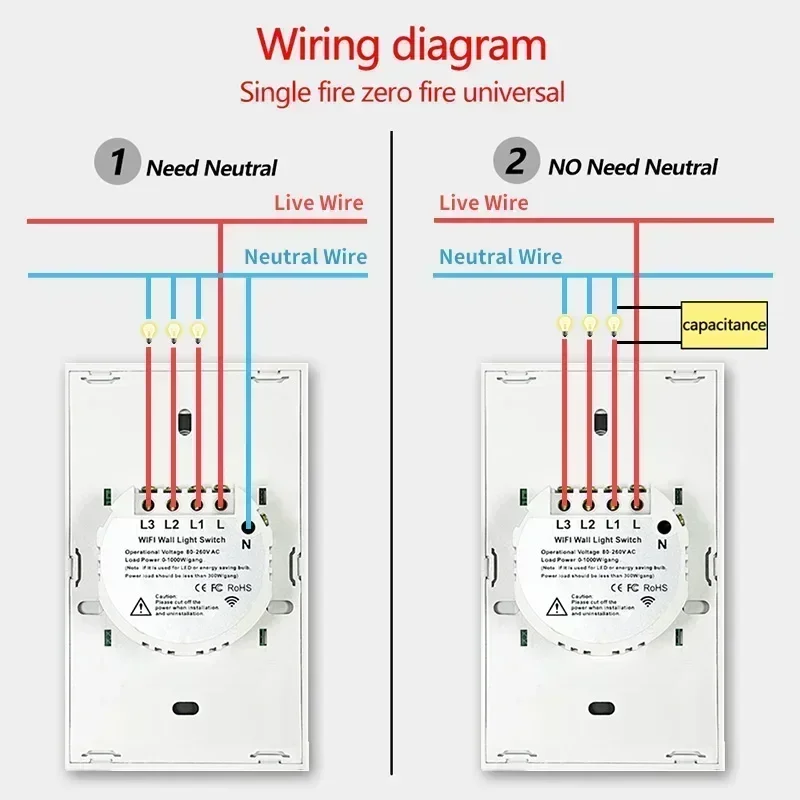
Two-way control, Multi-control Function
Set on APP, Easy installation and wiring. Switch1 connect normal wiring and connect the light bulb. Switch2 only needs normal wiring, No need to connect the light bulb.
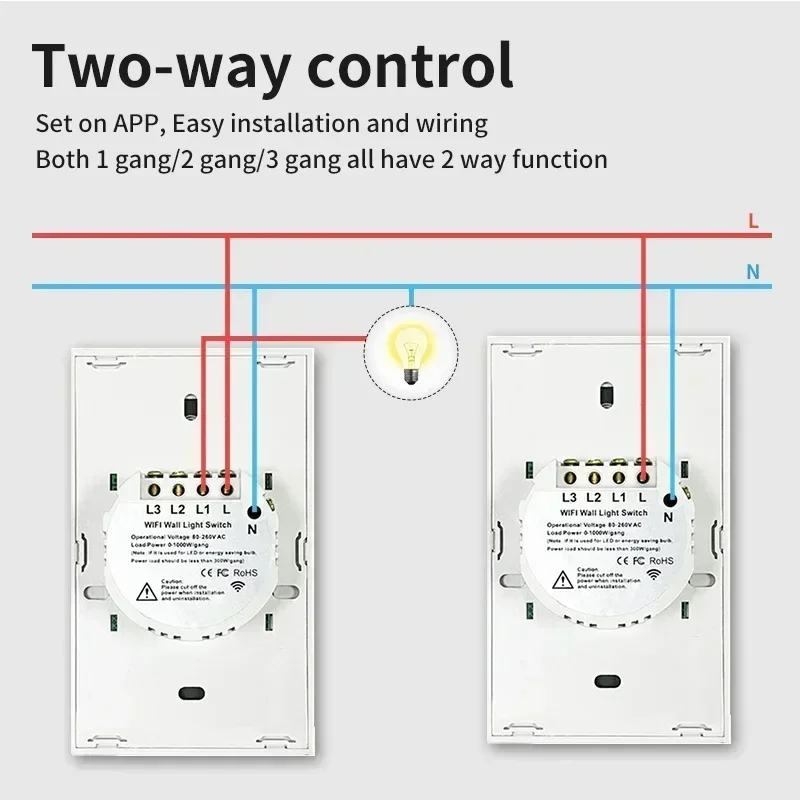
Single-phase: The switch is not connected to the neutral wire, and the two ends of the light bulb need to be connected to the Resistor (included in the package), otherwise the light bulb will flash or Can't work normally.
Neutral Line: Switch to connect the neutral wire
Two-way control, Multi-control Function
Set on APP, Easy installation and wiring. Switch1 connect normal wiring and connect the light bulb. Switch2 only needs normal wiring, No need to connect the light bulb.
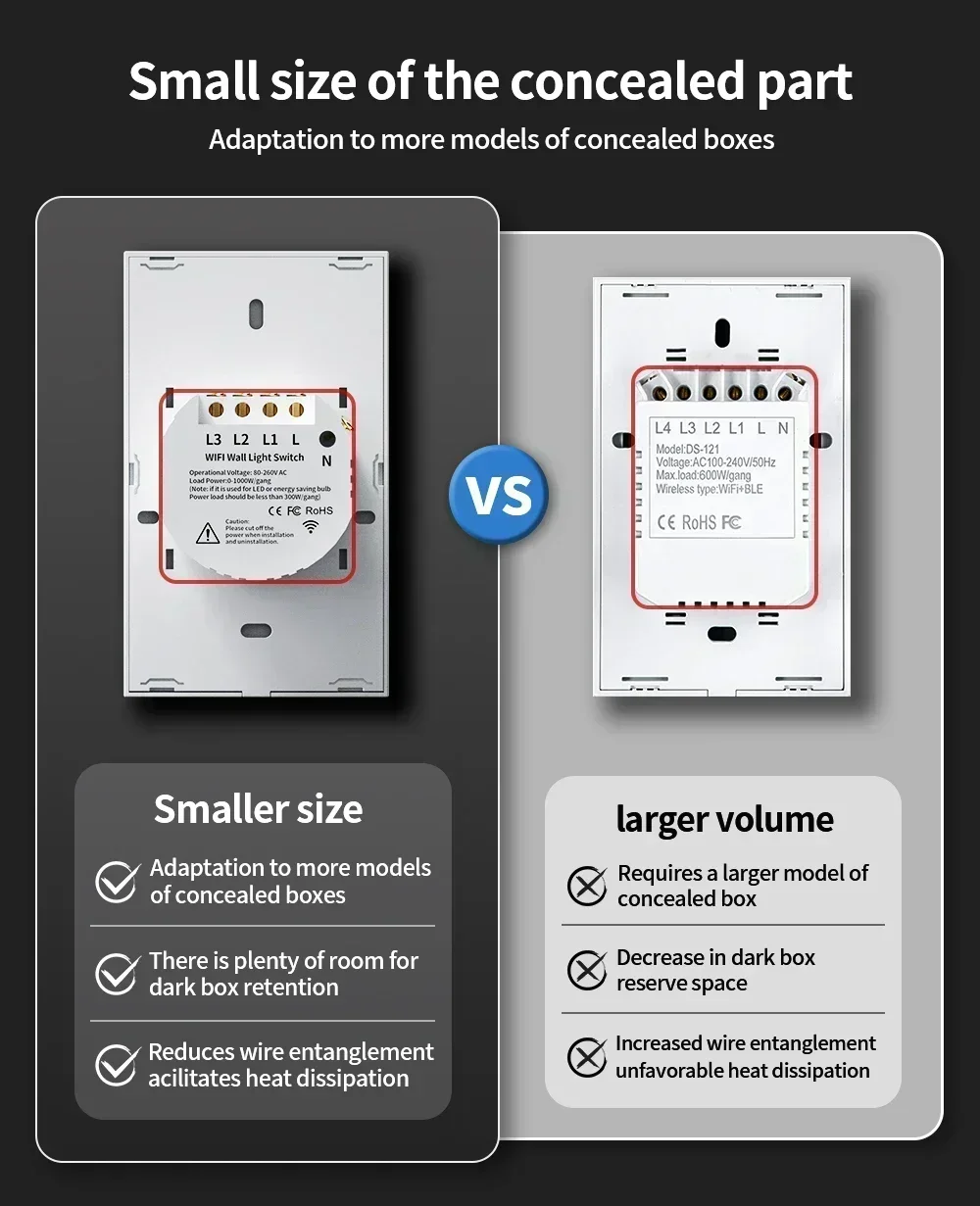
Smaller concealed parts:
Require less space, making installation more convenient.
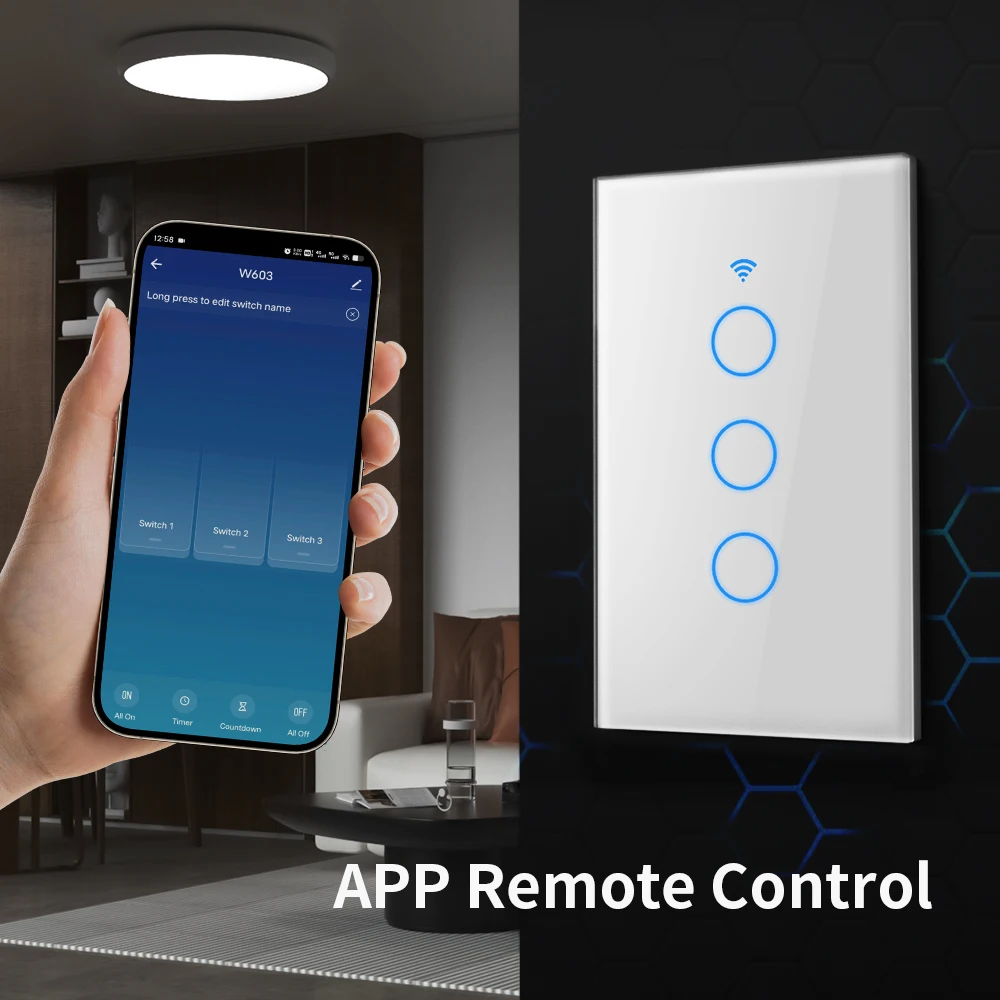
APP remote control
The user can use a smartphone to remotely control the home electronics remotely anytime, anywhere as long as the phone has 2G / 3G / 4G / 5G WIFI
network compatible with iOS and Android operating system with SmartLife and Tuya
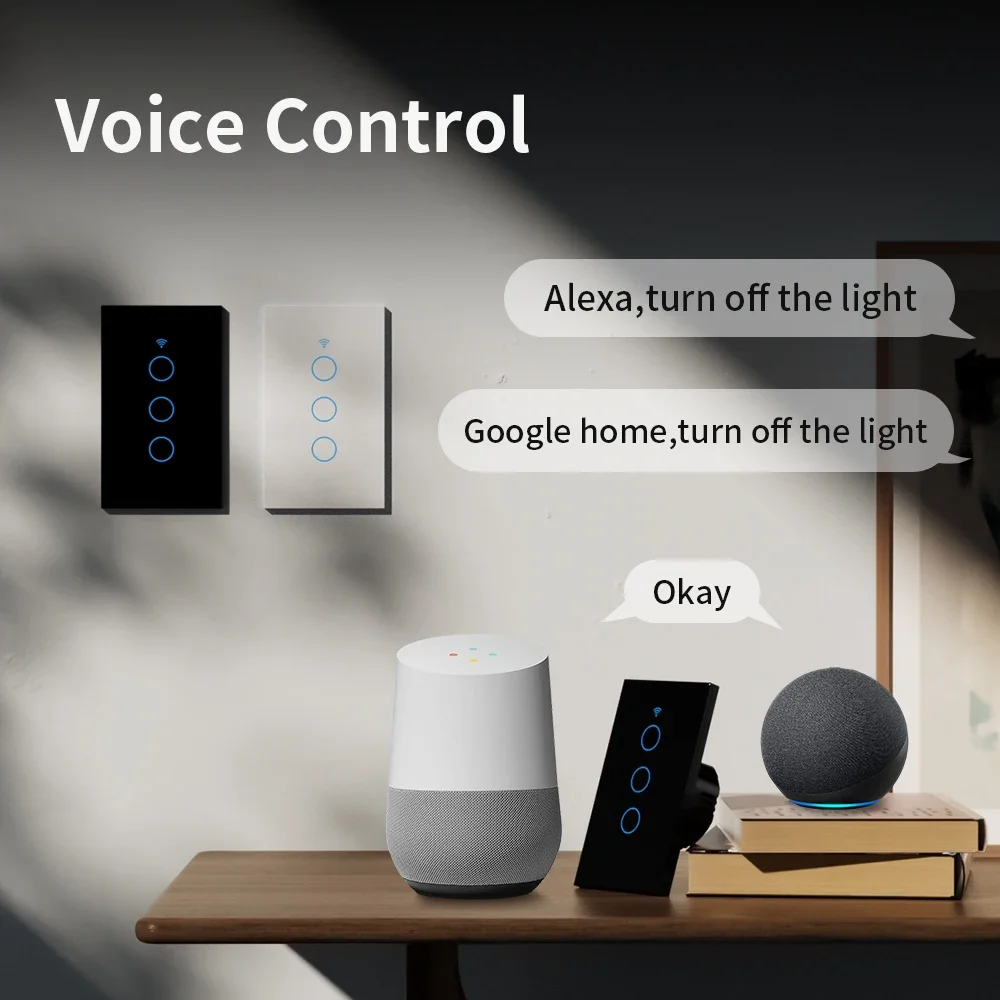
Voice Control
Compatible with Alexa, Google home Assistant.
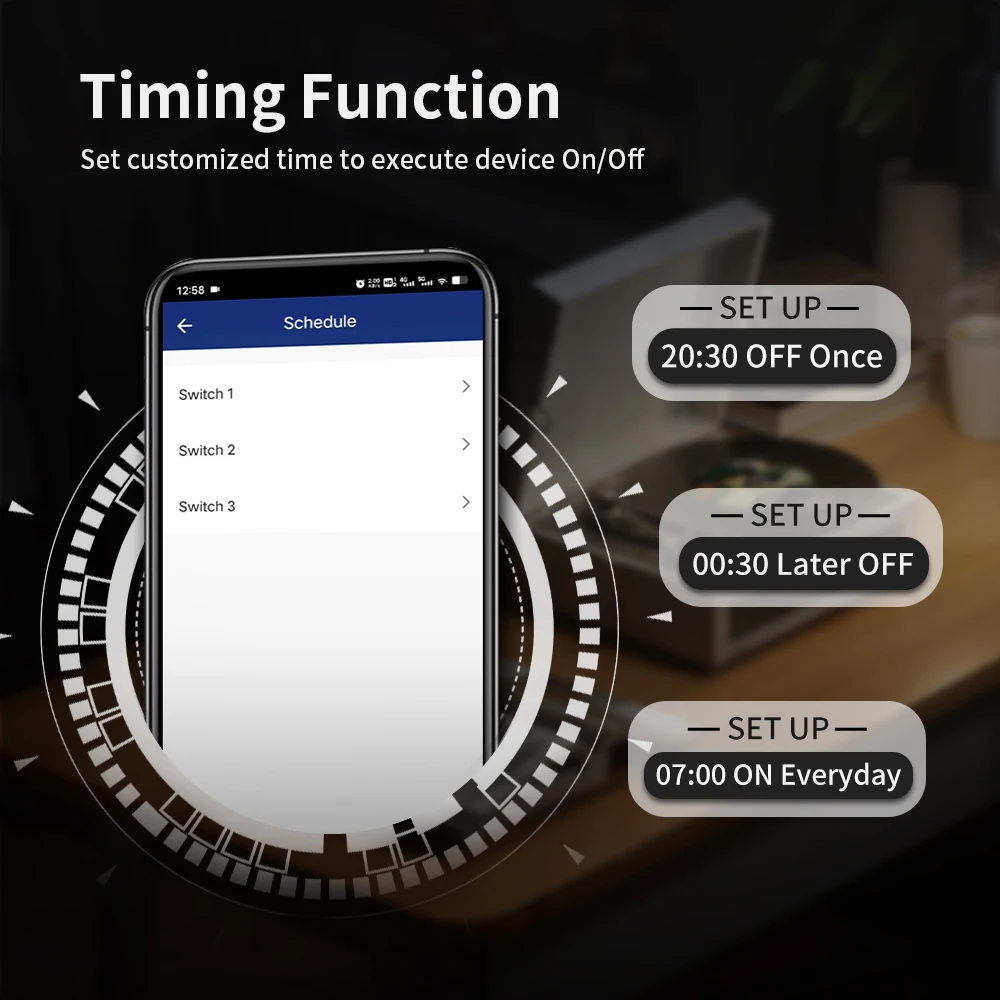
Timing
The smart switch is automatically turned on and off at a given time through the timer function. Choose the time you want to wake up,
automatically open the light, so you can easily enter the day; choose the time you want to close the light.
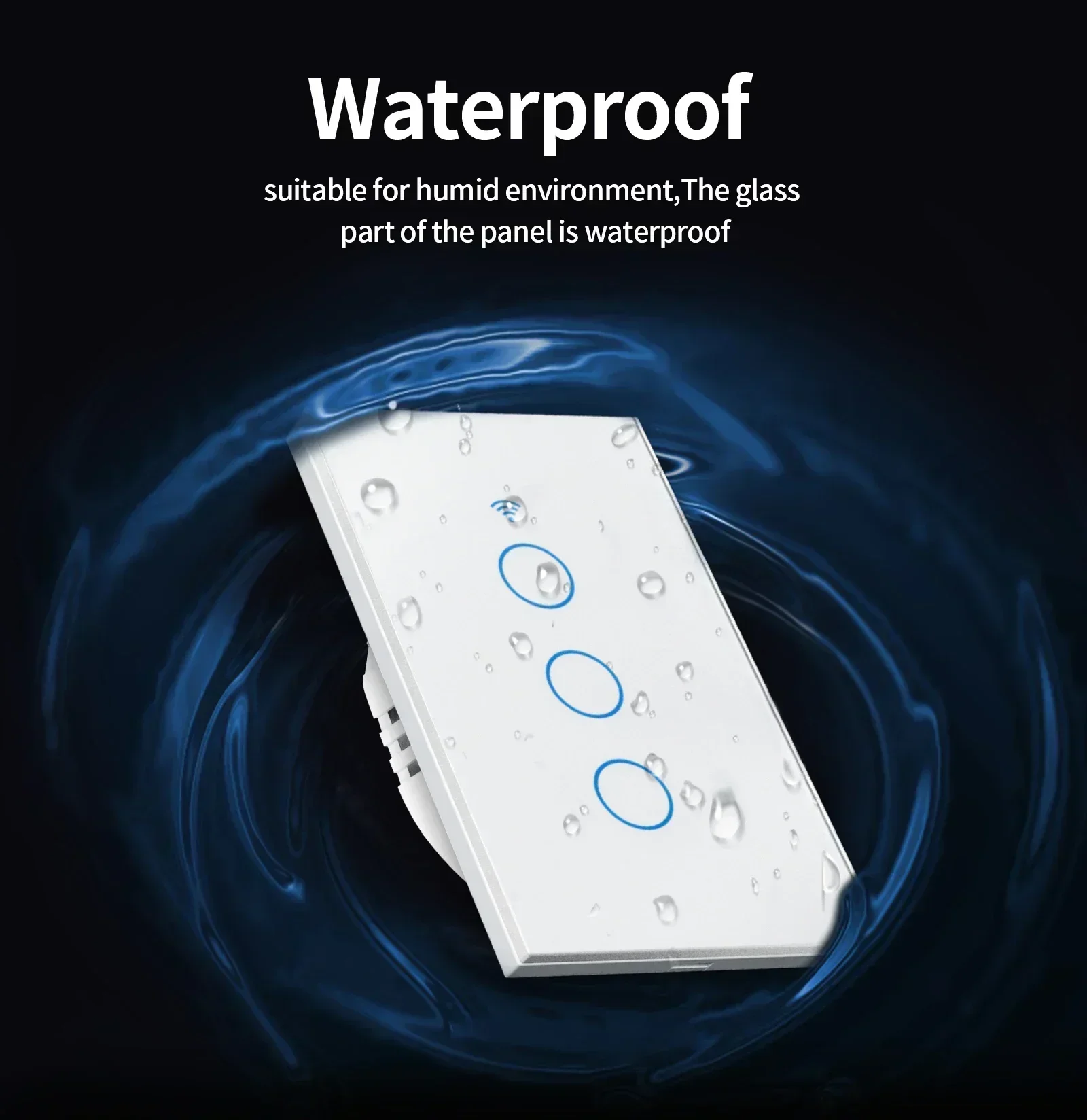
Waterproof
suitable for humid environment, The glass part of the panel is waterproof
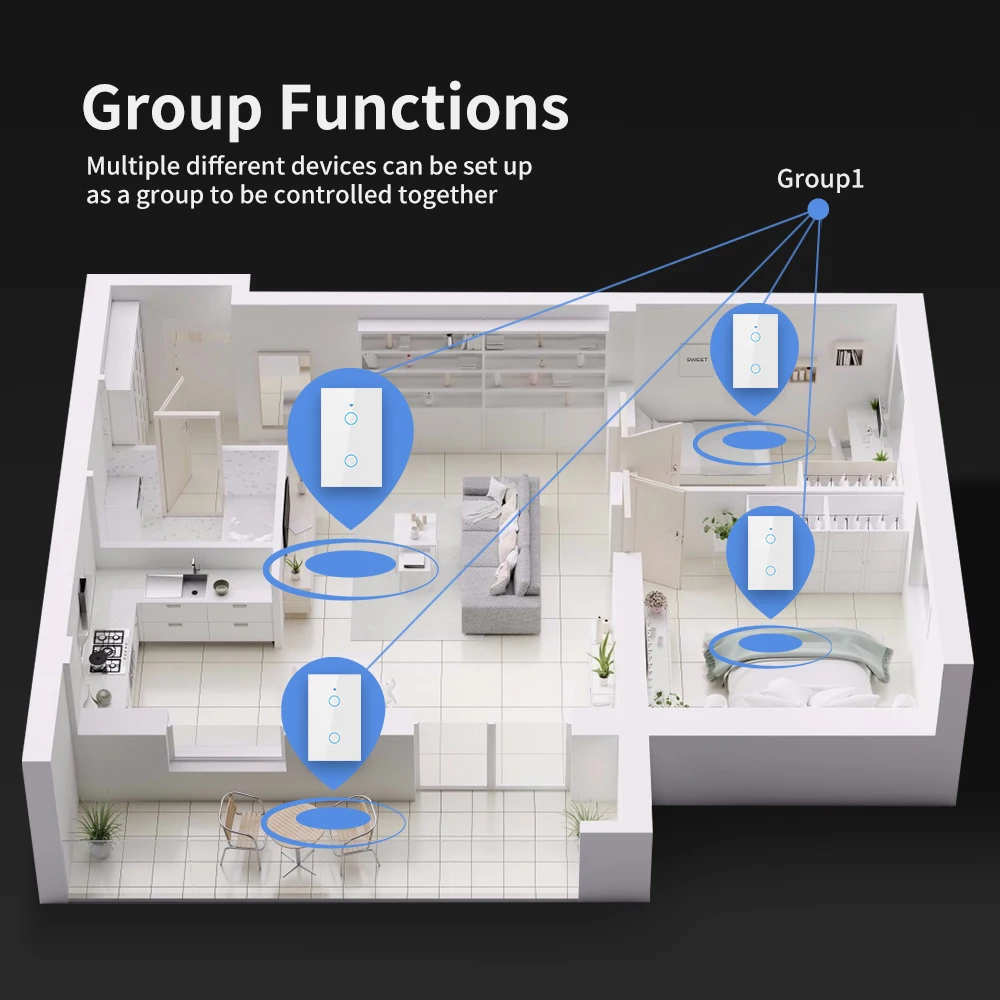
Group Functions
Multiple different devices can be set up as a group to be controlled together.
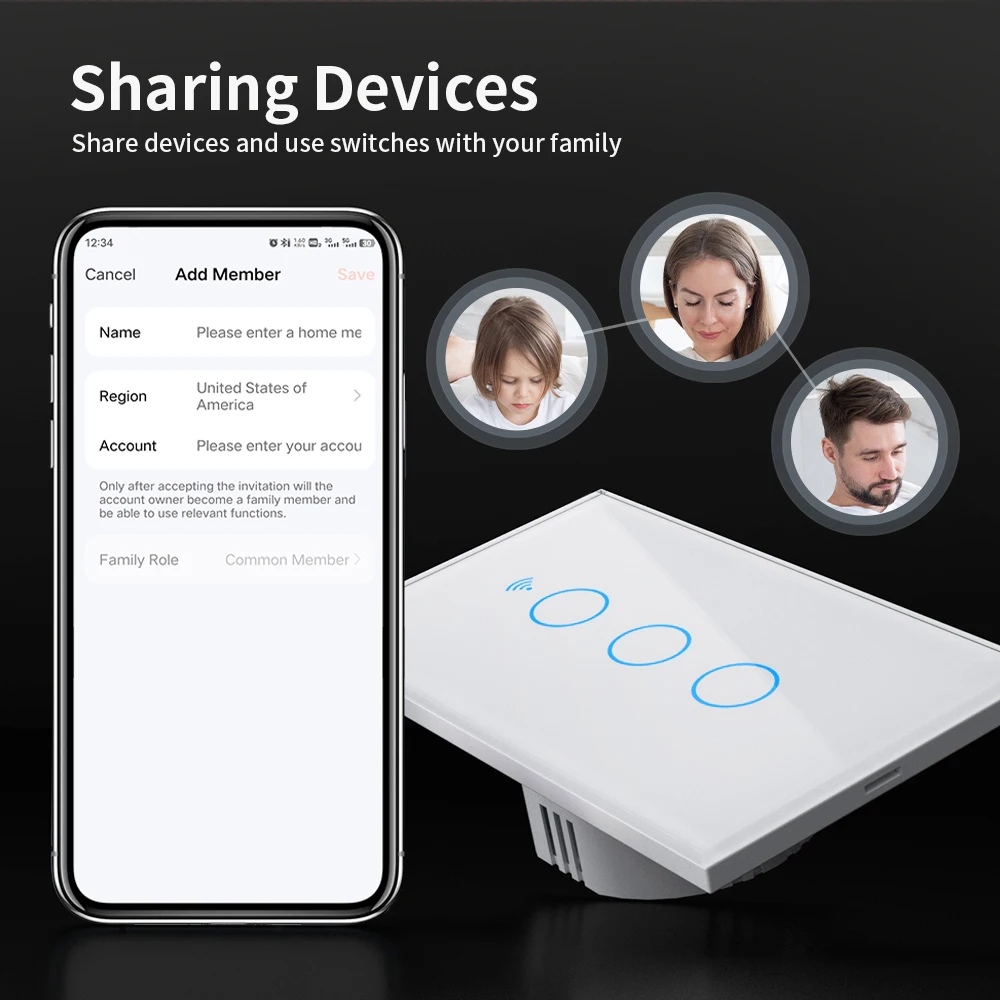
Sharing Devices
Share devices and use switches with your family
Q&A:
1.Q:If the light keeps blinking after the panel is wired, what's going on?
A:If there is no neutral wire and the capacitor is not connected, the light bulb will blink
2.Q:Can the panel be used with and without a neutral wire?
A:All can be used, with neutral wire normal wiring, no neutral wire need to be connected to the capacitor
3.Q:What if the panel touch switch won't open, but you can use your cell phone to control it?
A:Open the glass to see if the shell is deformed when locking the shell, deformation, then loose the screws,
loose the screws it will be released back, released back to you and then cover the glass, and then power off,
touch can be used.
4.Q:This panel has 433MHZ remote control function, how to operate to realize 433 remote control function
A:Press and hold the touch button and press the remote control for about 5 seconds
A:If there is no neutral wire and the capacitor is not connected, the light bulb will blink
2.Q:Can the panel be used with and without a neutral wire?
A:All can be used, with neutral wire normal wiring, no neutral wire need to be connected to the capacitor
3.Q:What if the panel touch switch won't open, but you can use your cell phone to control it?
A:Open the glass to see if the shell is deformed when locking the shell, deformation, then loose the screws,
loose the screws it will be released back, released back to you and then cover the glass, and then power off,
touch can be used.
4.Q:This panel has 433MHZ remote control function, how to operate to realize 433 remote control function
A:Press and hold the touch button and press the remote control for about 5 seconds

More discount


Add your question
Your question about this product: