

More discount
+
Earn loyalty points with this purchase
RewardsWeight:
0.478 kg
SKU:
ADAE1005012291734474
Remaining 2 only
Description
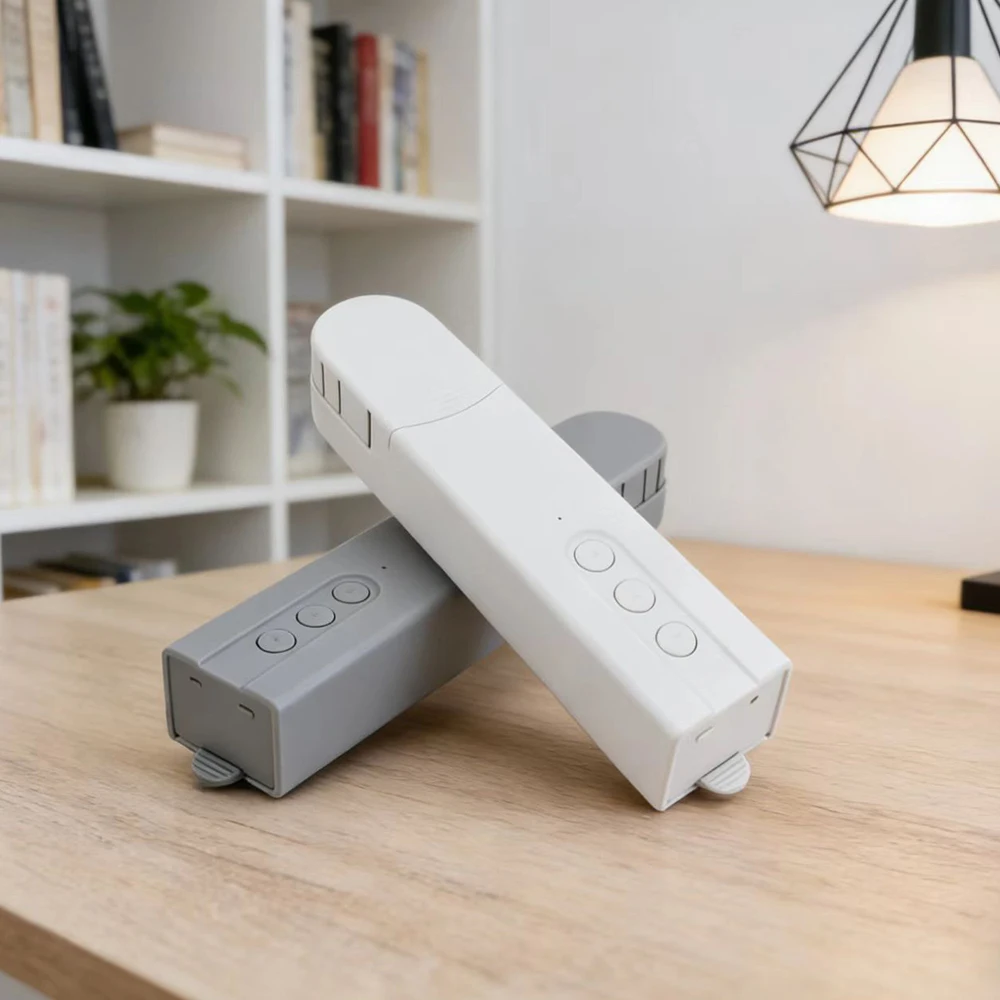
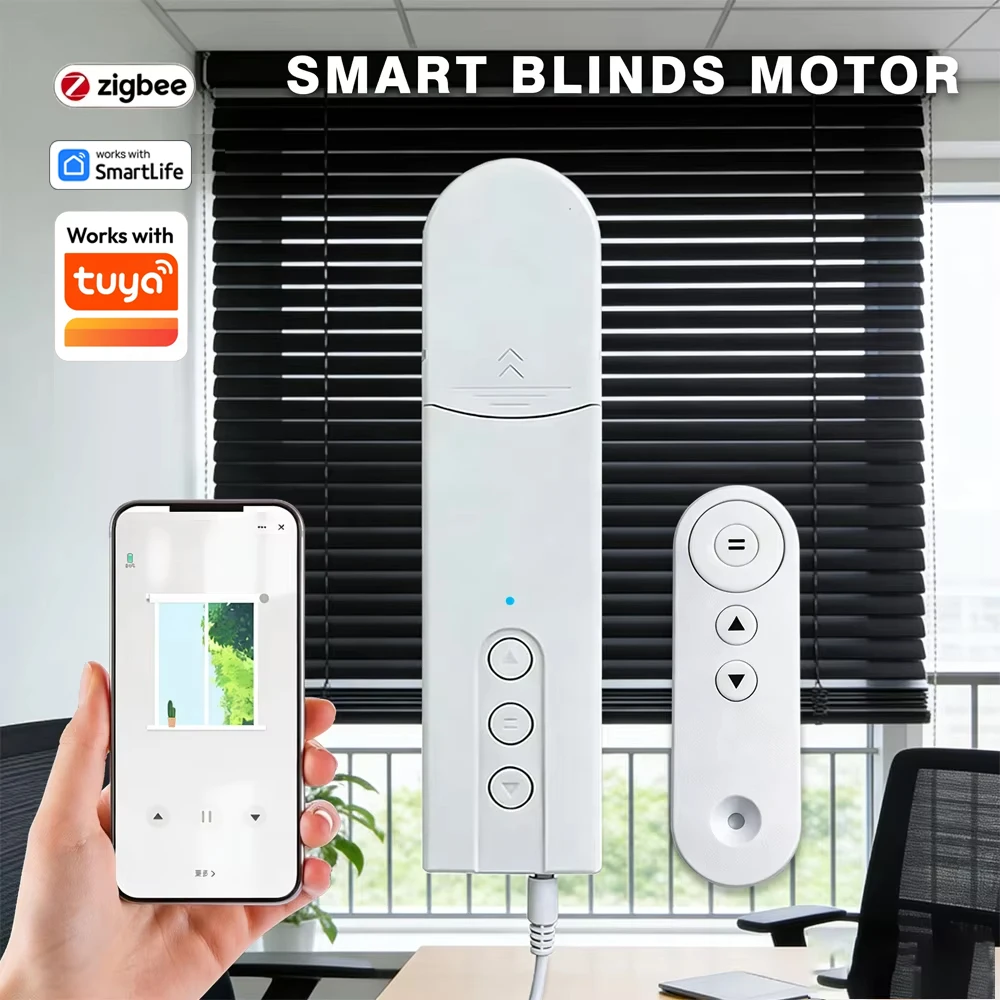
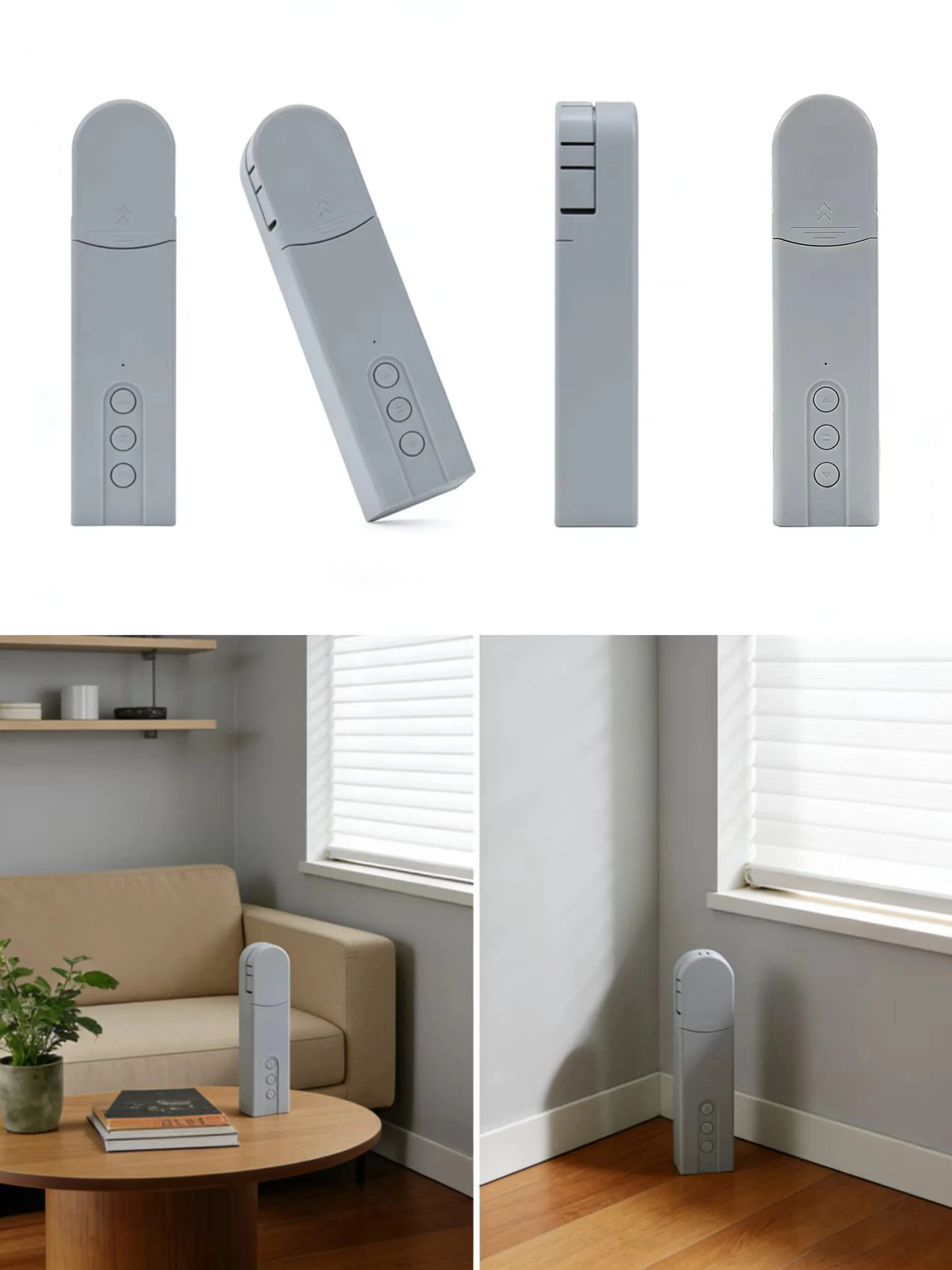
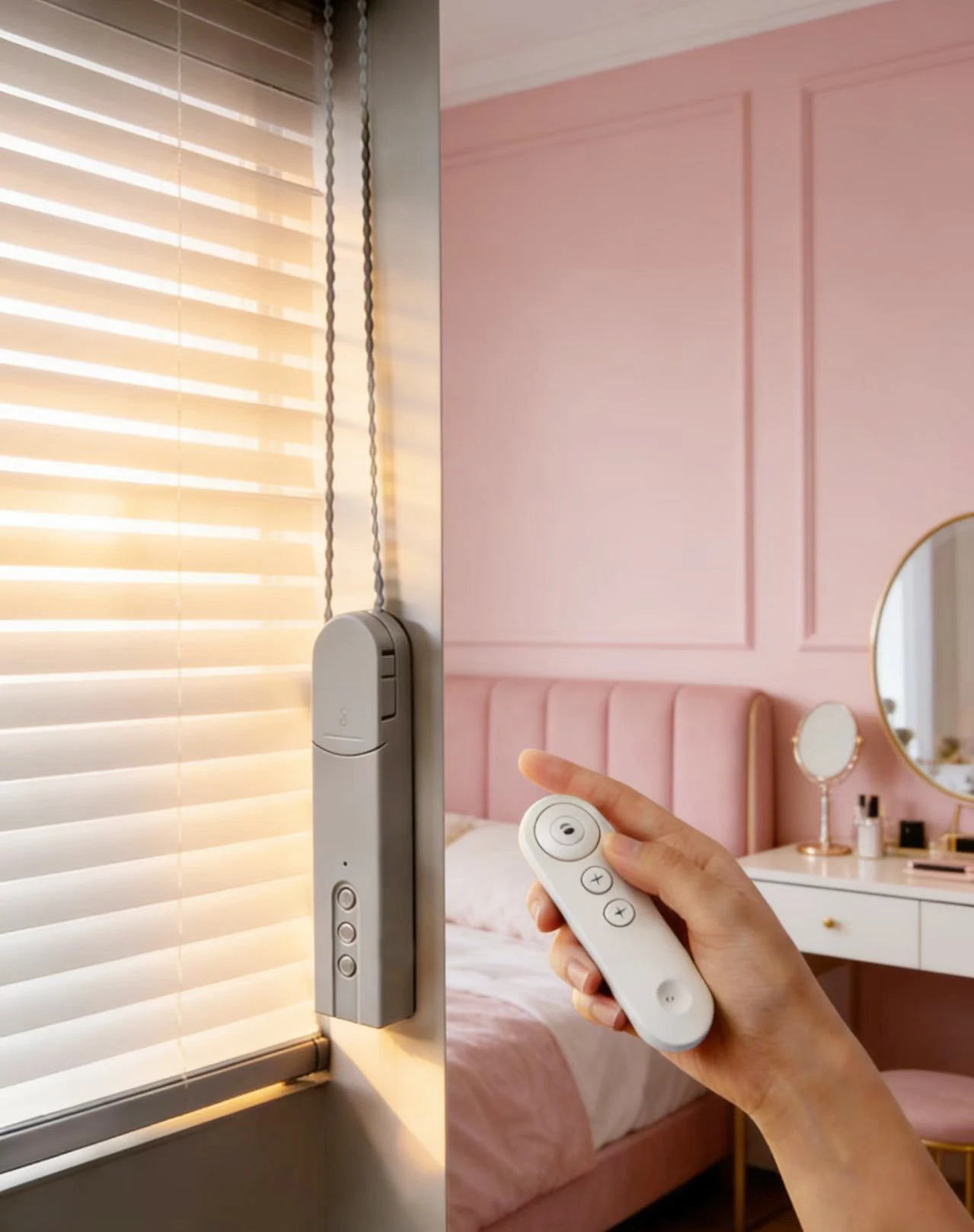
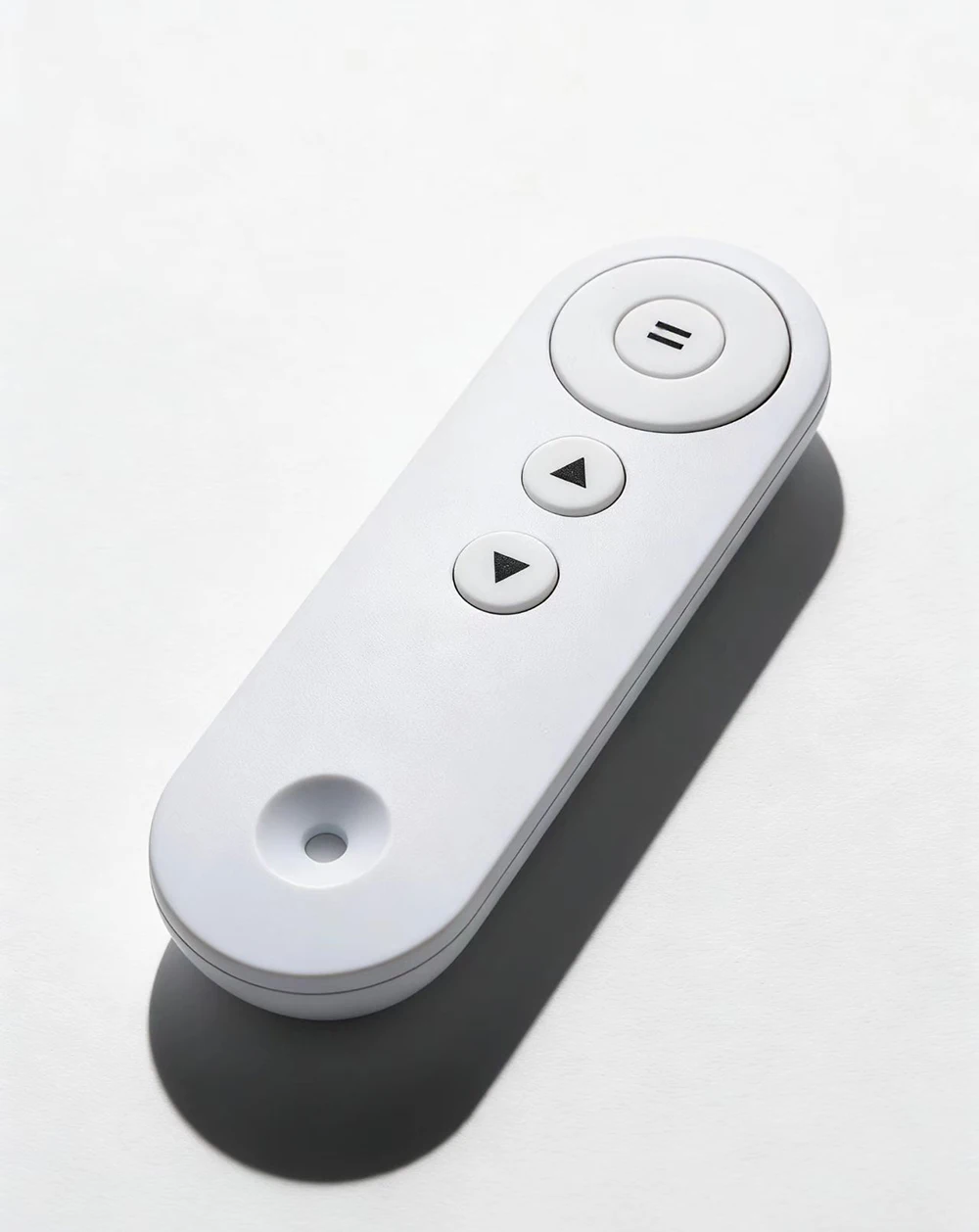
Remote control matching method:
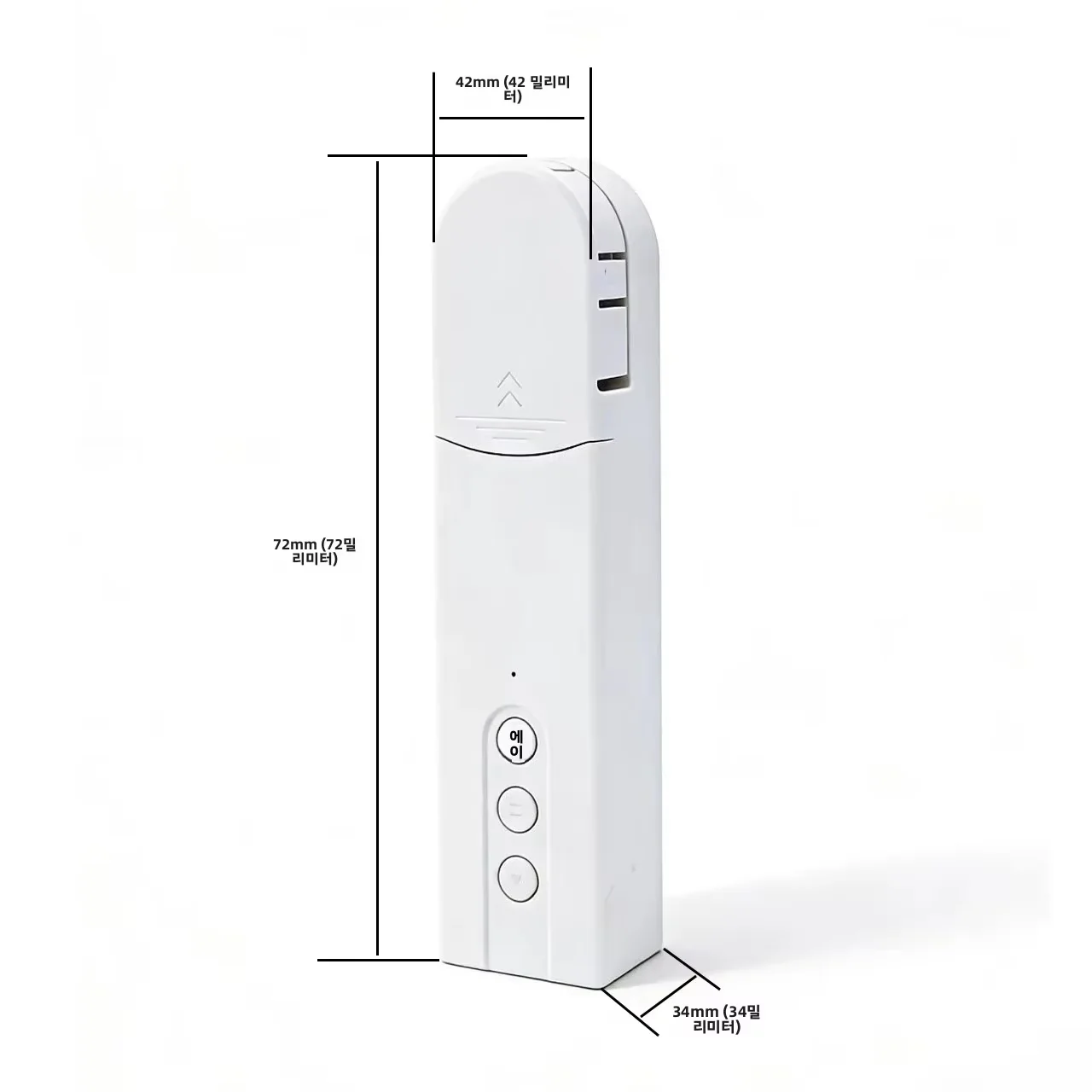
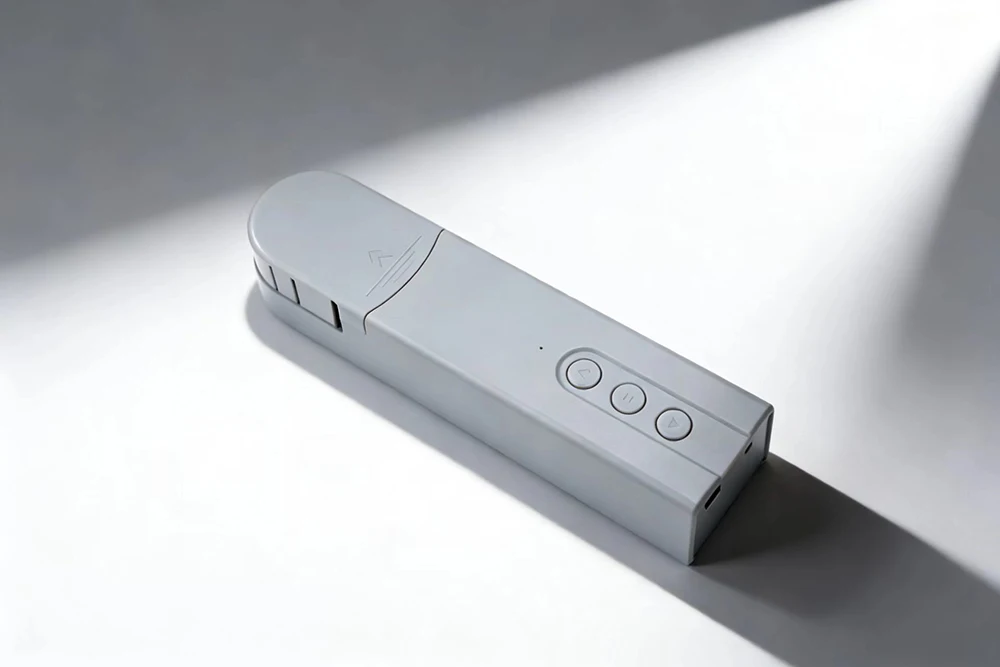
Long press the pause button for 2-3 seconds, the blue indicator light will be on,
Then press the up button on the remote control, and the blue indicator light will flash,The remote control has been successfully paired.
NOTE:
1.Press the "down button" for 1 seconds,the motor is turned on,then press the "down button" for 5 seconds, the blue indicator light flashes quickly, and it enters the network configuration state.
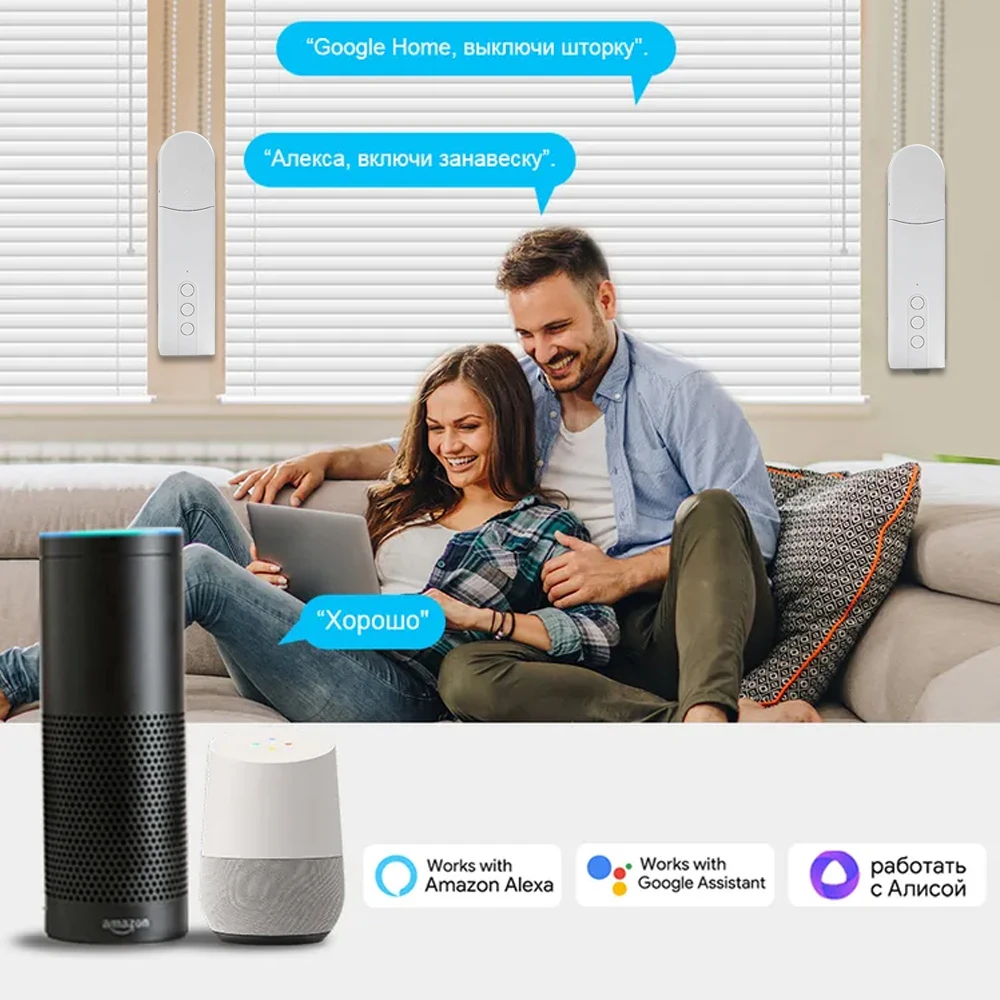
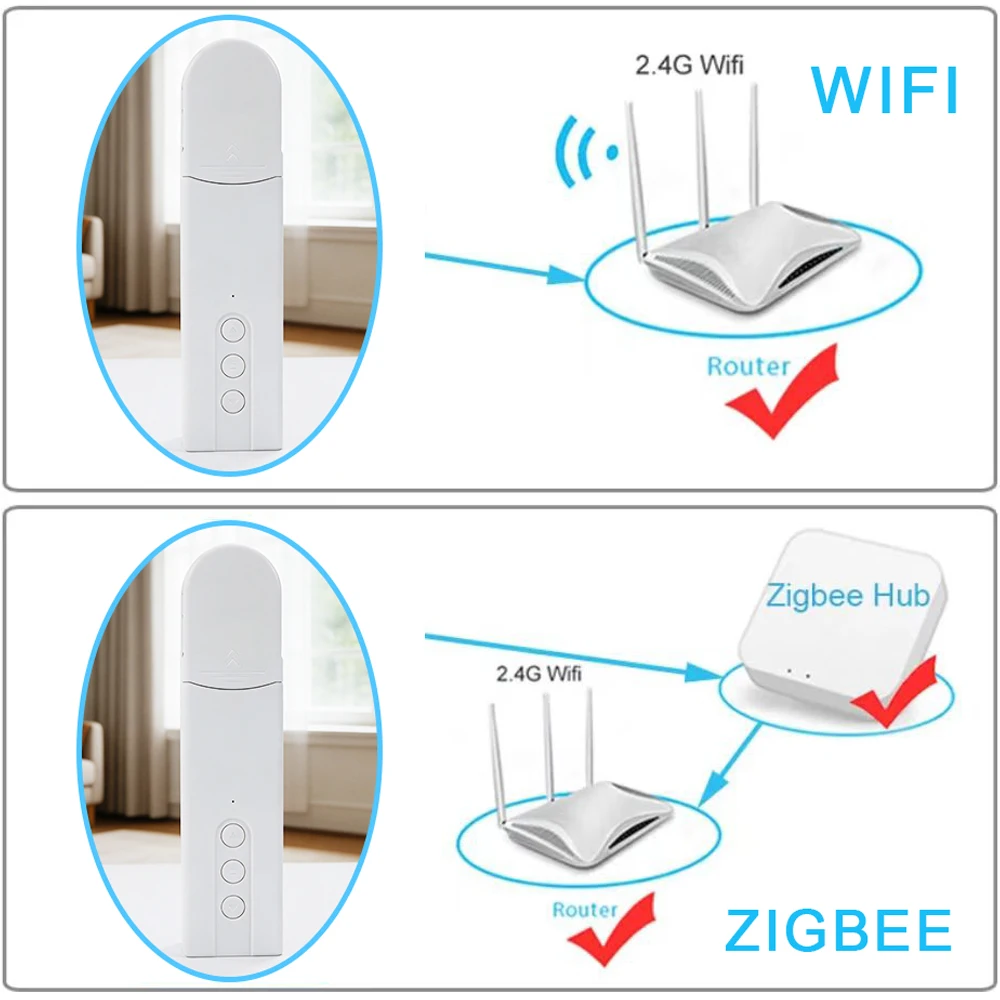
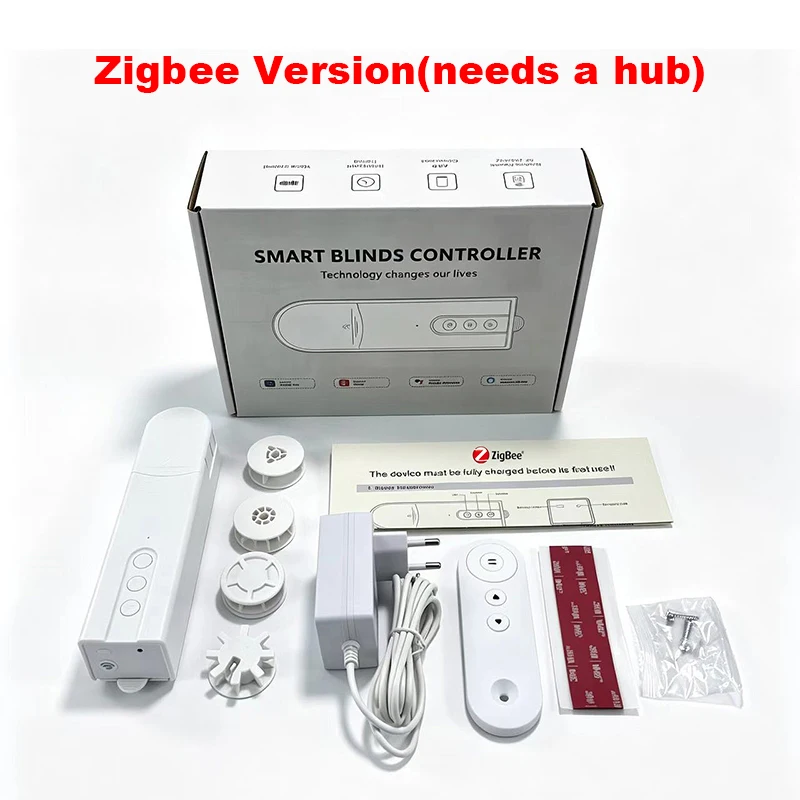
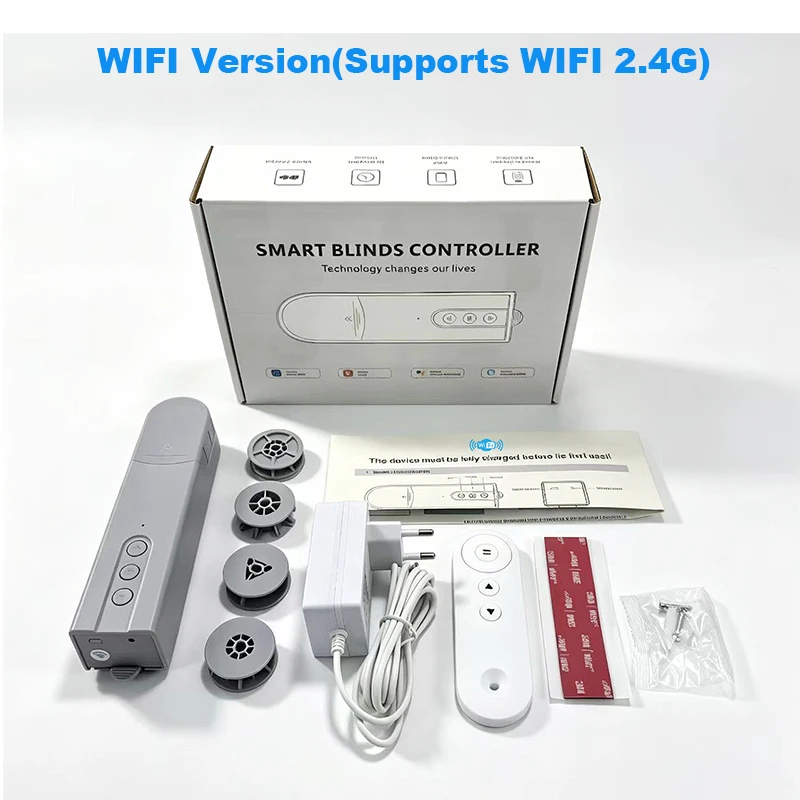
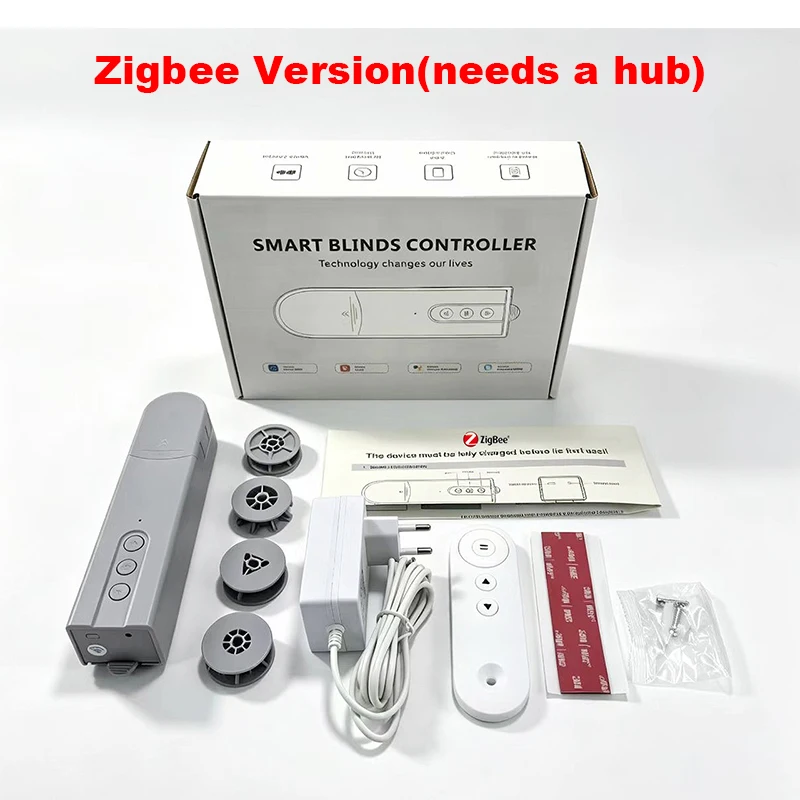
2. Zigbee Version needs to work with a hub
3.Before the device is used for the first time, it needs to be fully charged
Important Notes
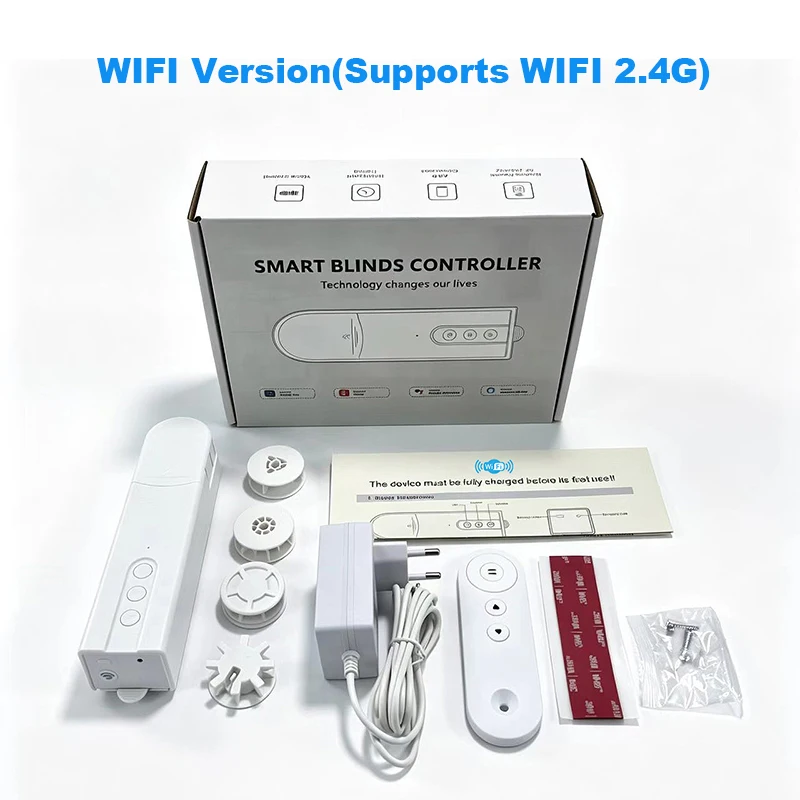
Network Requirement: Only supports 2.4 GHz Wi-Fi networks (not compatible with 5GHz).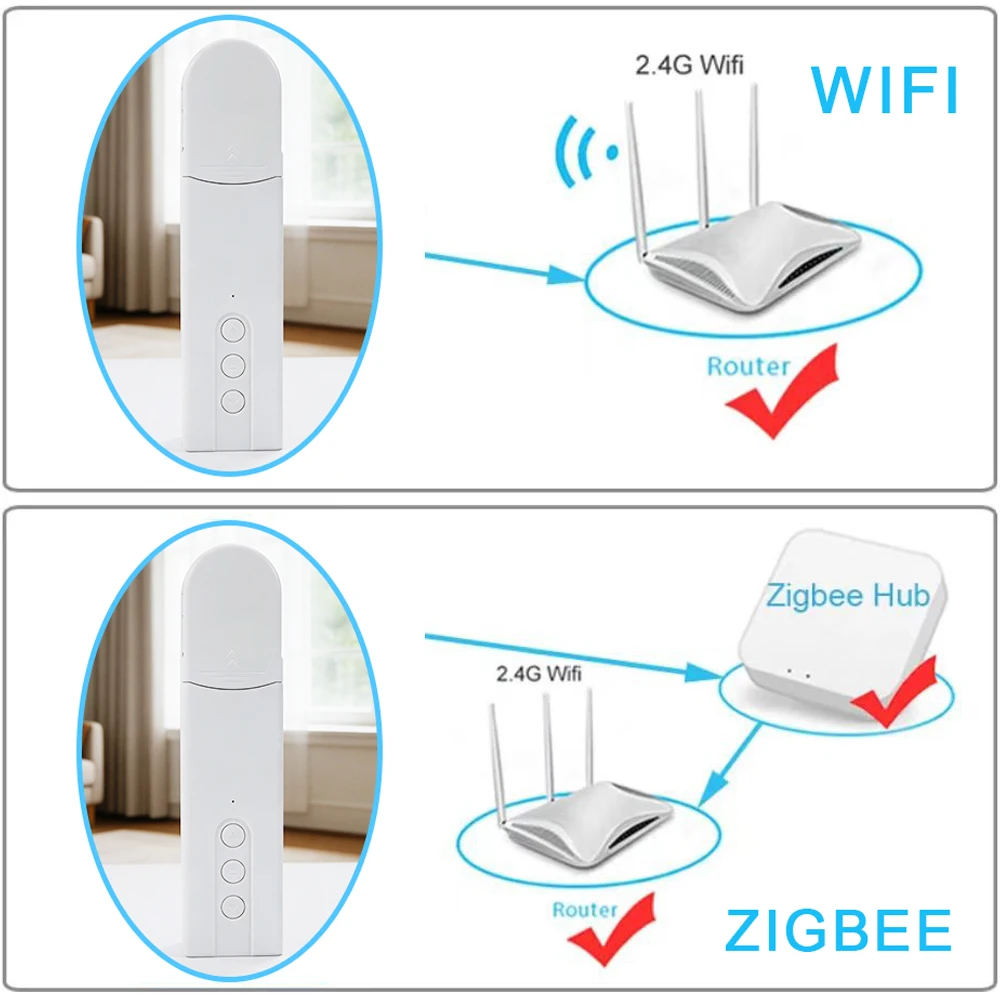

More discount


Add your question
Your question about this product: